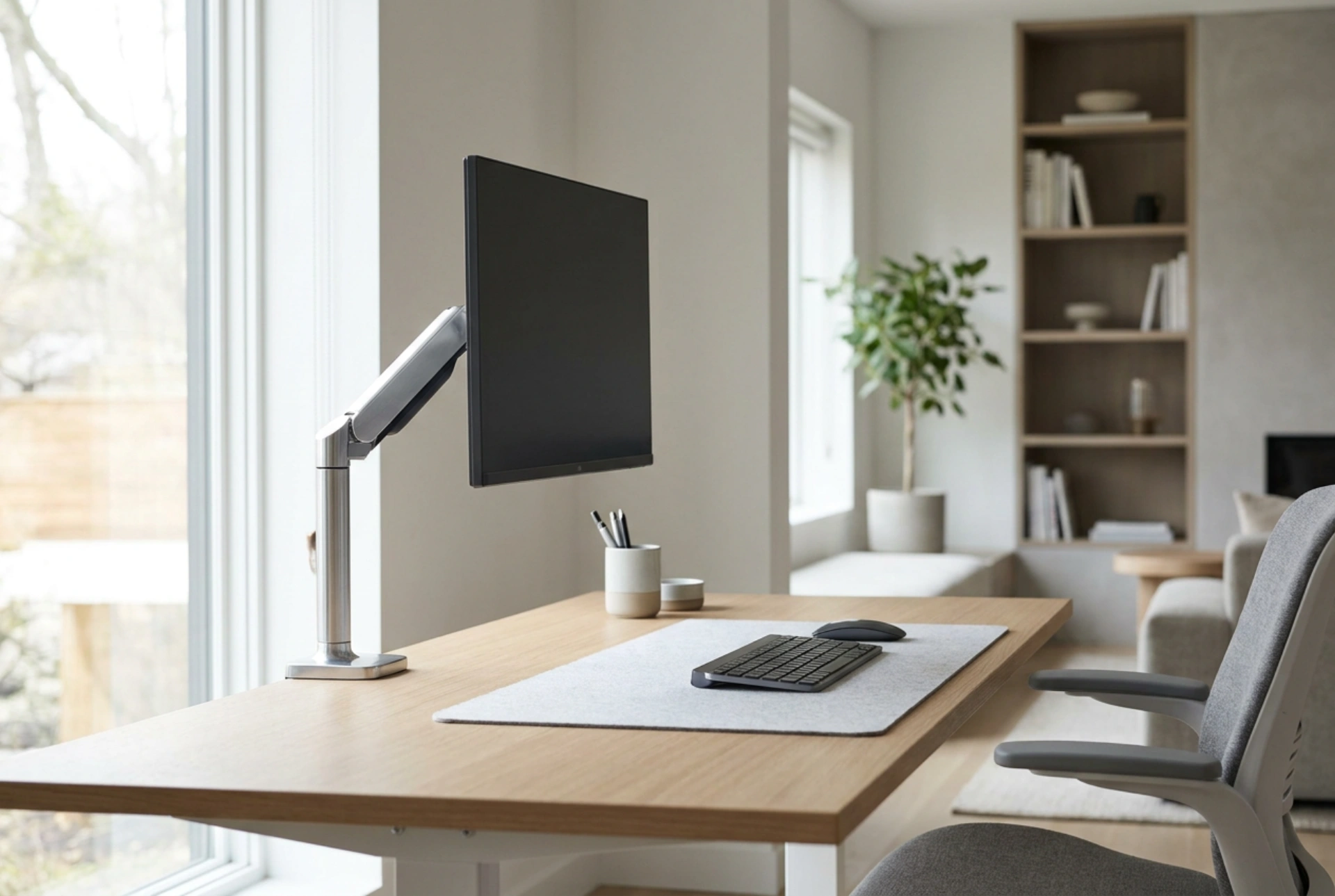


Mounting a screen on a wall involves a delicate balance between human optical biomechanics and mechanical physics, where leverage, material shear strength, and anatomical angles dictate the safety and comfort of your workspace.
The Physics of Leverage and Dynamic Load Capacity
When selecting and installing a wall mount, understanding the difference between static mass and dynamic load is critical. A monitor weighing 6 kilograms does not simply exert a 6-kilogram downward force once mounted. Because most wall mounts extend outward, they create a lever arm. This introduces torque, calculated as the force multiplied by the distance from the pivot point.
For instance, an articulating arm extended 50 centimeters from the wall increases the tension force on the upper wall anchors exponentially compared to a flush-to-wall mount. This rotational force tries to pull the top anchors out of the wall while pushing the bottom of the mount bracket into it. Additionally, adjusting the monitor’s position introduces dynamic load, which temporarily spikes the stress on the mounting points. For maximum safety, always choose a mount rated for at least 1.5 times the actual weight of the monitor, factoring in the maximum extension length of the articulating arm.
Material Science of Wall Structures and Anchor Mechanics
The structural integrity of your installation relies entirely on the interface between the fastener and the wall substrate. Different wall materials distribute stress in distinct ways, requiring specific anchor mechanisms:
- Solid Concrete and Brick: These materials excel at handling compression and shear forces. Standard expansion anchors work by expanding against the borehole walls when the screw is tightened, creating high friction. For heavy loads, chemical anchors (epoxy resins) offer the highest structural bond.
- Drywall on Wood or Metal Studs: Drywall (plasterboard) has very low shear strength and crumbling resistance. You must never rely solely on drywall anchors for heavy articulating arms. The mount must be anchored directly into the structural wood studs using heavy-duty lag screws. If dealing with metal studs, specialized toggle bolts that expand behind the metal channel are necessary to distribute the load.
Failing to match the fastener to the wall material risks catastrophic failure, as the pull-out force exerted by a fully extended arm can easily tear through plasterboard or strip poorly fitted plastic plugs from masonry.
Ergonomic Geometry: Protecting the Cervical Spine and Eyes
Proper screen placement is a matter of anatomical alignment and optical physics. The human eye has a natural resting angle of depression, meaning it is more comfortable looking slightly downward than straight ahead or upward.
The Correct Height and Angle
To prevent cervical spine strain, the top third of the monitor screen should sit at or slightly below your horizontal eye level. This geometry allows the neck to remain in a neutral position, minimizing the work required by the suboccipital muscles. The screen should be tilted backward by 10 to 20 degrees. This tilt aligns the display surface perpendicular to your downward gaze, reducing optical distortion and minimizing glare from overhead light sources.
Focal Distance and Visual Accommodation
The human eye adapts to distance through accommodation, a process where the ciliary muscles alter the shape of the lens. To reduce eye fatigue, the monitor should be positioned between 50 and 70 centimeters from your eyes, roughly equivalent to an arm's length. Placing the screen too close forces the eyes to converge constantly, causing strain, while placing it too far leads to forward head posture, which strains the upper back and neck muscles.
Mechanical Adjustability: Gas Spring vs. Friction Mounts
Adjustable wall mounts rely on two primary technologies to hold position: mechanical friction joints or gas spring cylinders. Gas spring mechanisms use pressurized gas to counterbalance the exact weight of the monitor, allowing for effortless, fluid height adjustments. However, they must be tension-adjusted specifically to the monitor's mass; too little tension causes the monitor to sag, while too much causes it to rise. Friction joints use tightened bolts to create physical resistance. While cheaper and highly stable, they require tools to readjust and are best suited for static setups where the screen angle rarely changes.





