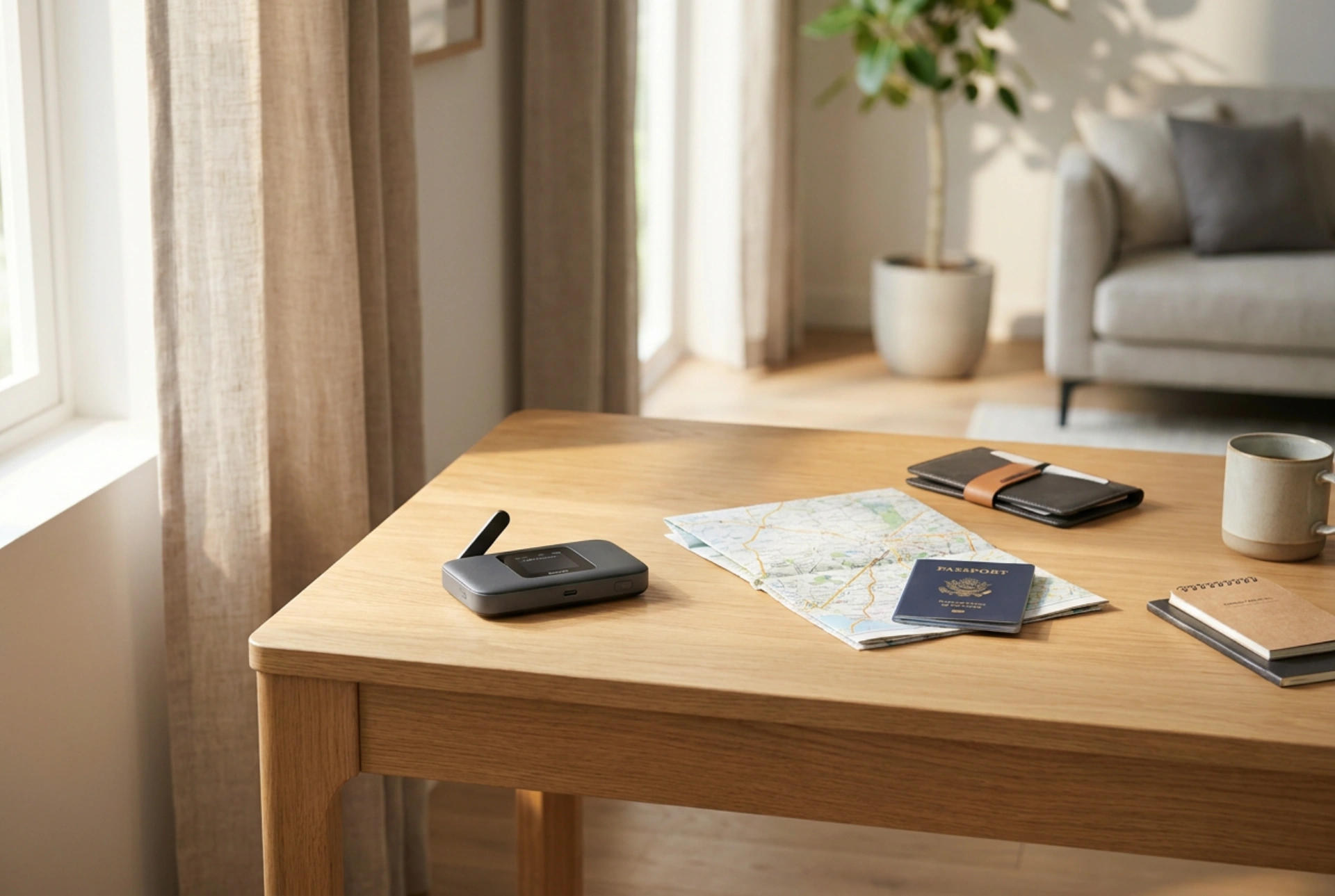


Setting up a reliable mobile connection on the go requires more than just inserting a SIM card into a portable router. Understanding signal physics, network configurations, and device thermal management ensures a stable and secure connection wherever your travels take you.
Optimising Signal Propagation and Placement
Radiofrequency (RF) signals operate on electromagnetic waves that are easily absorbed or reflected by physical barriers. Modern building materials, especially concrete, steel, and low-emissivity (low-E) glass coated with metallic oxides, significantly attenuate these signals. If you place your mobile router deep inside a hotel room, the signal-to-interference-plus-noise ratio (SINR) drops, leading to slow speeds and frequent packet loss.
To maximise cellular reception, position the device on or near a window frame. However, avoid direct sunlight, which can quickly overheat the unit. Elevating the router onto a shelf or desk also helps clear local obstructions. By elevating the device, you clear the Fresnel zone—the elliptical region of space around the line-of-sight path between the transmitter and receiver—reducing signal reflections off the floor and furniture.
Configuring Access Point Names (APN) and Roaming Settings
When crossing international borders or switching carriers, routers do not always configure automatically. The Access Point Name (APN) is the crucial network identifier that allows your device to establish an IP address on the cellular network. If the router fails to connect, you must configure this parameter manually.
- Connect your computer or phone to the router’s local network via Wi-Fi or USB tethering.
- Open a web browser and input the router’s gateway IP address (typically found on a sticker beneath the battery compartment) into the address bar.
- Navigate to the network settings, locate the APN profile list, and enter the precise APN name, username, and password provided by your local SIM card operator.
- Enable "Data Roaming" in the settings if you are using an international SIM card, as many routers disable this by default to prevent unexpected charges.
Furthermore, if your router allows band locking, utilize it. In congested urban areas, manually locking the device to a higher-frequency band (such as 2600 MHz) can bypass the heavily congested lower bands (such as 800 MHz), resulting in significantly faster throughput even with a lower signal reading.
Managing Battery Chemistry and Thermal Throttling
Portable routers are equipped with lithium-ion (Li-ion) batteries, which are highly sensitive to thermal conditions. Operating a mobile hotspot generates a substantial amount of heat from two primary sources: the RF power amplifier and the battery charging circuitry. When internal temperatures exceed 45°C, the device will initiate thermal throttling, reducing cellular transmission power and slowing charging speeds to prevent thermal runaway.
To preserve battery health and maintain peak performance, never operate the router inside a closed backpack or luggage while connected to a power bank. If you plan to use the router as a stationary hotspot in a rental apartment or hotel room for an extended period, check if the device supports a direct-power mode. By removing the battery entirely and running the unit directly from a USB wall charger, you eliminate battery heat generation and prevent the chemical degradation associated with keeping a Li-ion battery continuously at 100% charge.
Reducing Interference and Securing the Local WLAN
In high-density environments, local Wi-Fi congestion can degrade your local wireless speed even if the cellular signal is excellent. Most portable routers broadcast on the 2.4 GHz and 5 GHz frequency bands. The 2.4 GHz band is highly susceptible to interference from Bluetooth devices, baby monitors, and other Wi-Fi networks due to its limited number of non-overlapping channels.
For optimal local performance, configure your router to use the 5 GHz band exclusively. This band provides wider channel bandwidths and suffers far less interference. Finally, always update the security protocol of your local network to WPA3 or, at minimum, WPA2-AES with a strong, non-default security key to protect your data transmission from nearby eavesdroppers.
Quick Pre-Travel Checklist
- Check Compatibility: Verify that your mobile router supports the cellular frequency bands used in your destination country.
- Update Firmware: Run a firmware update before leaving home to ensure maximum compatibility with foreign networks and security patches.
- Record Credentials: Keep a physical copy of the admin login credentials and the fallback APN settings of your SIM provider.





