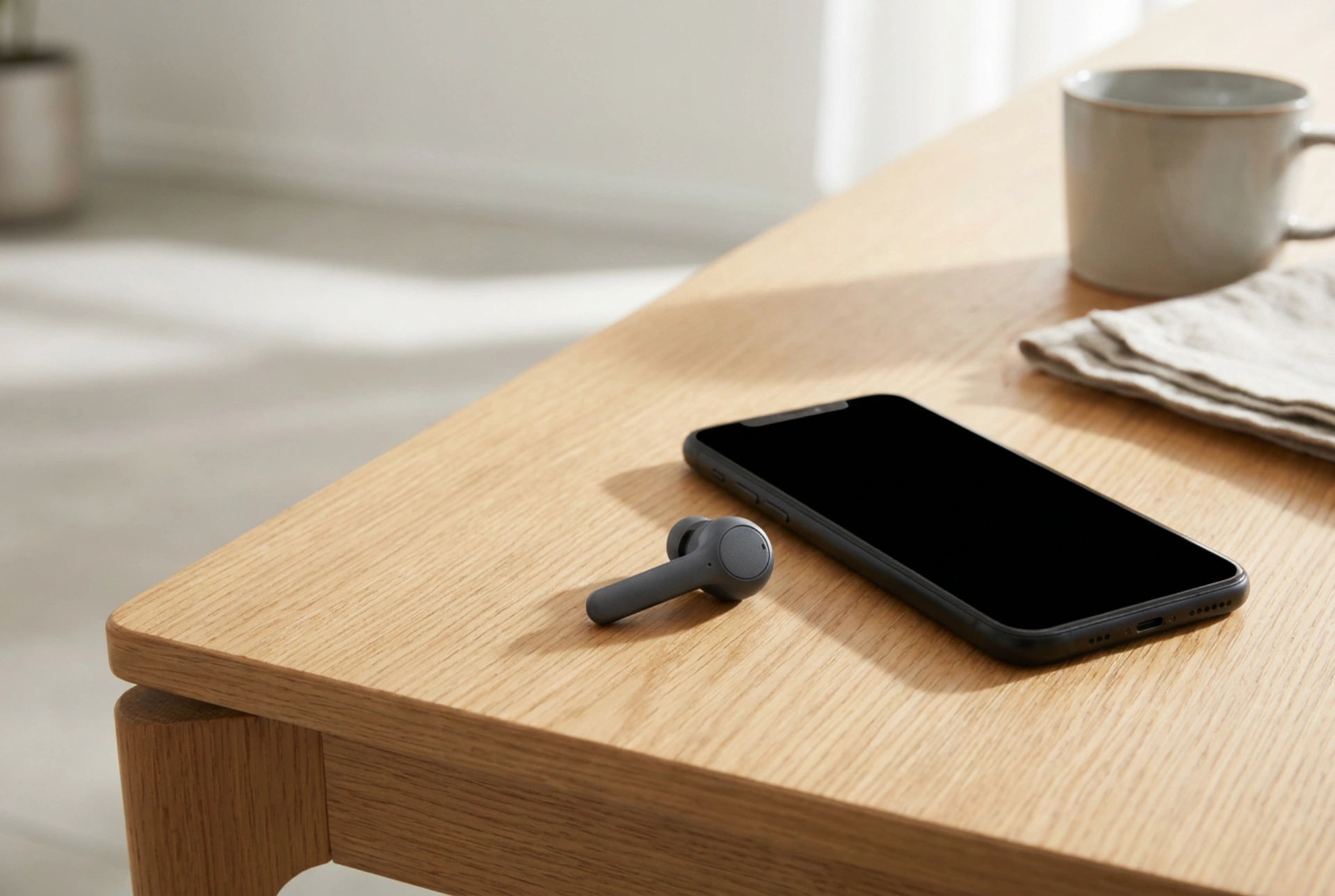


Using a single wireless earbud allows you to stay connected to your audio while maintaining full awareness of your physical surroundings. Successfully pairing just one earbud relies on understanding how Bluetooth audio profiles manage master-slave dynamics and independent channel transmission.
Understanding Wireless Earbud Communication Architecture
To understand why a single earbud might struggle to pair, it helps to understand the underlying technology. Most wireless earbuds operate under one of two configurations: master-slave routing or modern sniff-mode snooping (independent transmission). In older or budget models, the primary "master" earbud establishes the Bluetooth link with your source device (your phone), decodes the audio packet, and re-transmits the secondary channel to the "slave" earbud using a lower-power magnetic induction or secondary Bluetooth stream. When you only want to use one earbud, selecting the designated master earbud is often seamless, whereas using the slave earbud alone requires it to establish a direct, independent profile with the phone.
Newer systems use dual-channel transmission, where both earbuds register an independent hardware address with your phone's transceiver. The phone broadcasts both channels simultaneously, and each earbud "sniffs" only its designated channel. This modern architecture makes mono mode much simpler, as either earbud can act as a standalone receiver without manual reconfiguration. However, firmware bugs or interrupted pairing cycles can still cause the phone to treat them as two entirely separate audio devices rather than a unified stereo pair.
Step-by-Step Guide to Pairing a Single Earbud
If you want to use a single earbud for calls or podcasts, follow this precise sequence to ensure the hardware registers the correct mono profile without disrupting the overall stereo calibration:
- Isolate the active earbud: Keep the earbud you do not wish to use securely inside the charging case with the lid firmly closed. This cuts off its power supply and prevents it from emitting an active Bluetooth beacon.
- Clear previous connections: If the single earbud fails to pair, turn off Bluetooth on your phone for ten seconds to clear the local cache of active radio frequencies.
- Initiate pairing mode: Remove the single earbud from the case. Most models automatically enter discovery mode, indicated by a flashing LED. If your model features physical or capacitive buttons, you may need to hold the sensor for three to five seconds.
- Search and connect: Open the Bluetooth settings on your mobile device. Look for the specific name of your earbud. If the earbuds support independent connection, you may see an "L" or "R" suffix. Select the corresponding side and confirm the pairing request.
How to Fix Desynchronisation Issues
A common frustration occurs when each earbud pairs to the phone independently, resulting in audio playing out of only one earbud at a time, or the phone showing two distinct Bluetooth connections with the exact same name. This happens when the internal microcontrollers of the earbuds lose their mutual synchronisation code. To resolve this, you must clear the electrically erasable programmable read-only memory (EEPROM) of the earbuds and force them to re-handshake.
To perform a hardware reset, place both earbuds back into their charging case. Ensure they are receiving power, as indicated by the charging LEDs. Press and hold the touch sensors or physical buttons on both earbuds simultaneously for approximately ten to fifteen seconds. The LEDs will typically flash a specific colour pattern to indicate the memory has been wiped. Once reset, remove both earbuds from the case at the exact same time. This physical synchronicity forces the dual microcontrollers to execute their bootloader code together, re-establishing the master-slave link before connecting to any external transmitter.
Optimising Signal Path and Battery Health
Human tissue is highly effective at absorbing 2.4 GHz radio frequencies—the exact frequency band utilised by standard Bluetooth. When using a single earbud, the physical barrier of your skull can weaken the signal if your phone is placed in a pocket on the opposite side of your body. For optimal, uninterrupted audio transmission in mono mode, keep your phone on the same side of your body as the active earbud.
Furthermore, alternating between the left and right earbuds for mono tasks helps maintain balanced battery health. Lithium-ion batteries degrade based on charge cycles. Exclusively using one earbud will cause its battery capacity to degrade twice as fast as the idle unit, leading to permanent runtime disparities when you attempt to use them together in stereo mode.





