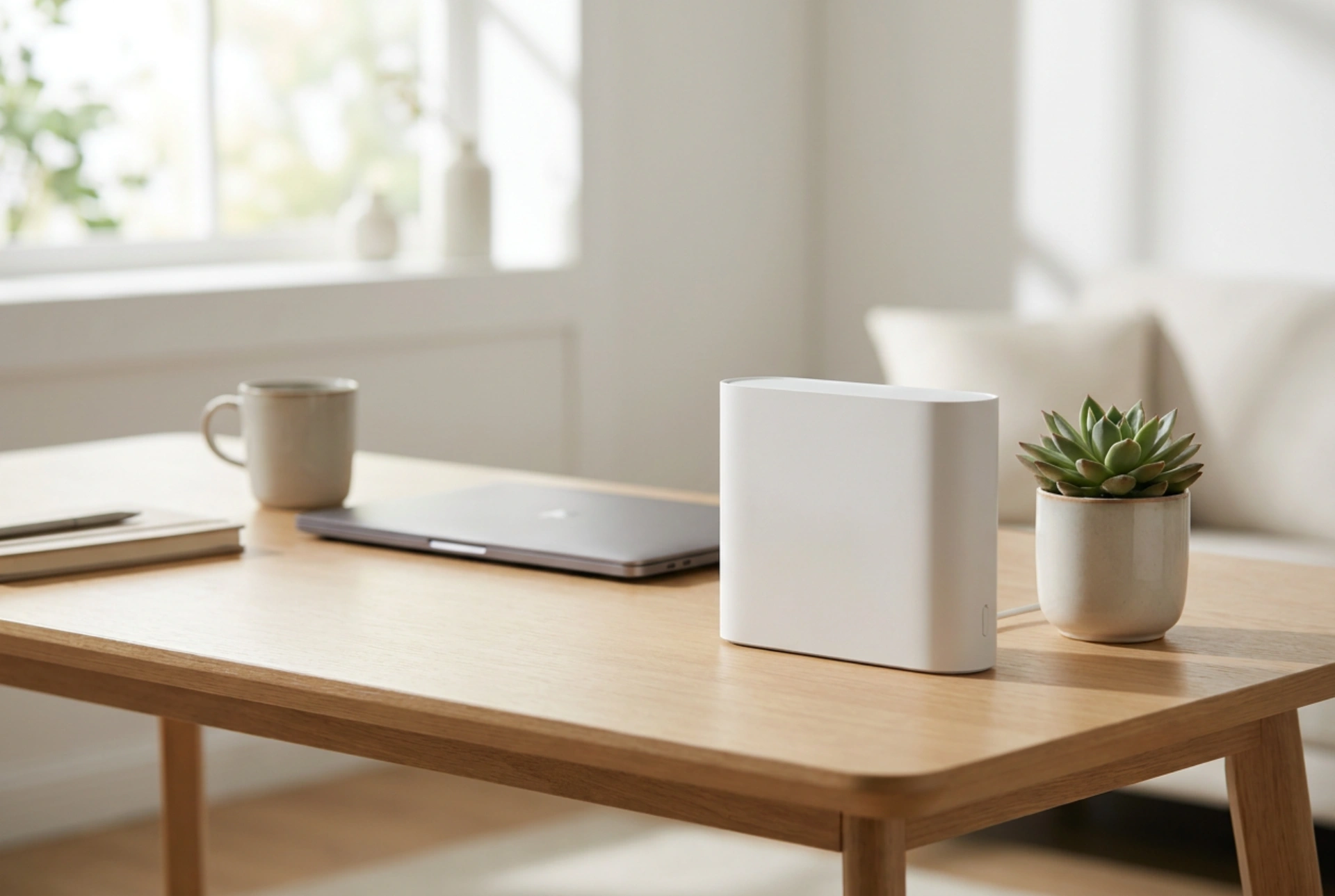


Stationary SIM card routers provide a robust alternative to traditional cable or fibre broadband by converting cellular data into a stable, high-speed local network. Unlike battery-powered mobile hotspots, these mains-powered devices are engineered for continuous operation, utilizing advanced antenna arrays and processing power to ensure consistent throughput across multiple household devices.
The Physics of Signal Reception: Why Antenna Size Matters
The primary advantage of a stationary cellular router over a smartphone or a pocket-sized hotspot lies in its physical antenna architecture. Cellular networks operate across various radio frequency bands, ranging from low-frequency bands (around 700–900 MHz) that penetrate walls easily but offer lower bandwidth, to high-frequency bands (1.8–3.6 GHz and above) that provide high speeds but suffer from poor penetration. Stationary routers accommodate larger internal antennas or provide SMA (SubMiniature version A) ports for external antenna connections. This allows for spatial diversity and polarization, which are critical for receiving clean signals in areas with weak coverage.
Furthermore, these devices employ MIMO (Multiple Input Multiple Output) technology. By utilizing multiple antennas simultaneously, the router can receive and transmit multiple data streams over the same radio channel. This exploits multipath propagation—where radio signals bounce off buildings and obstacles—turning what would normally be interference into a mechanism for increasing data capacity and connection stability.
Carrier Aggregation and Thermal Stability
Mobile networks dynamically allocate bandwidth across different frequencies. Modern stationary routers utilize carrier aggregation, a technology that combines multiple frequency bands into a single virtual channel. For example, a router can simultaneously aggregate an 800 MHz band and an 1800 MHz band. This ensures that even if one frequency experiences congestion or sudden signal degradation, the overall data stream remains uninterrupted.
Handling multiple frequency bands and routing heavy local traffic generates significant thermal energy. Smartphones and pocket routers must limit their processing power to prevent overheating and conserve battery life. In contrast, stationary routers feature passive heat sinks and larger internal chassis volumes. This thermal design allows the internal processor to run at peak clock speeds indefinitely, preventing packet loss and latency spikes during high-demand activities like video streaming or large file transfers.
Superior Local Network Management and Physical Connectivity
A router's job is twofold: receiving the external signal and distributing it locally. Stationary SIM routers excel at the latter by providing powerful Wi-Fi transmitters and physical Ethernet ports. While mobile hotspots limit connections to a few devices to save power, stationary units support dozens of simultaneous connections across dual-band (2.4 GHz and 5 GHz) Wi-Fi networks.
- Beamforming: Directs the Wi-Fi signal specifically toward connected devices rather than broadcasting in a uniform sphere, improving range and reducing local interference.
- Ethernet Ports (RJ45): Allow for direct, physical connections to high-bandwidth devices like desktop computers, network-attached storage (NAS), or smart home hubs, bypassing wireless latency entirely.
- Advanced Firewalls: Integrated security protocols and local network management tools that permit IP reservation, port forwarding, and guest network creation.
Optimising Performance: Mitigation of Material Attenuation
To maximise the efficiency of a stationary SIM router, physical placement must account for building materials. Radio waves at cellular frequencies are attenuated (weakened) when passing through solid objects. For instance, standard concrete walls can reduce signal strength by 10 to 20 decibels (dB), while modern low-emissivity (low-E) double-glazed windows often contain a microscopic metallic oxide layer that highly reflects radio waves.
For optimal throughput, position the router on an upper floor, near a standard glass window that has a clear line of sight to the nearest cellular base tower. Avoid placing the device inside metal cabinets, behind thick masonry, or adjacent to large household appliances that emit electromagnetic interference, such as microwave ovens or cordless phone stations.





