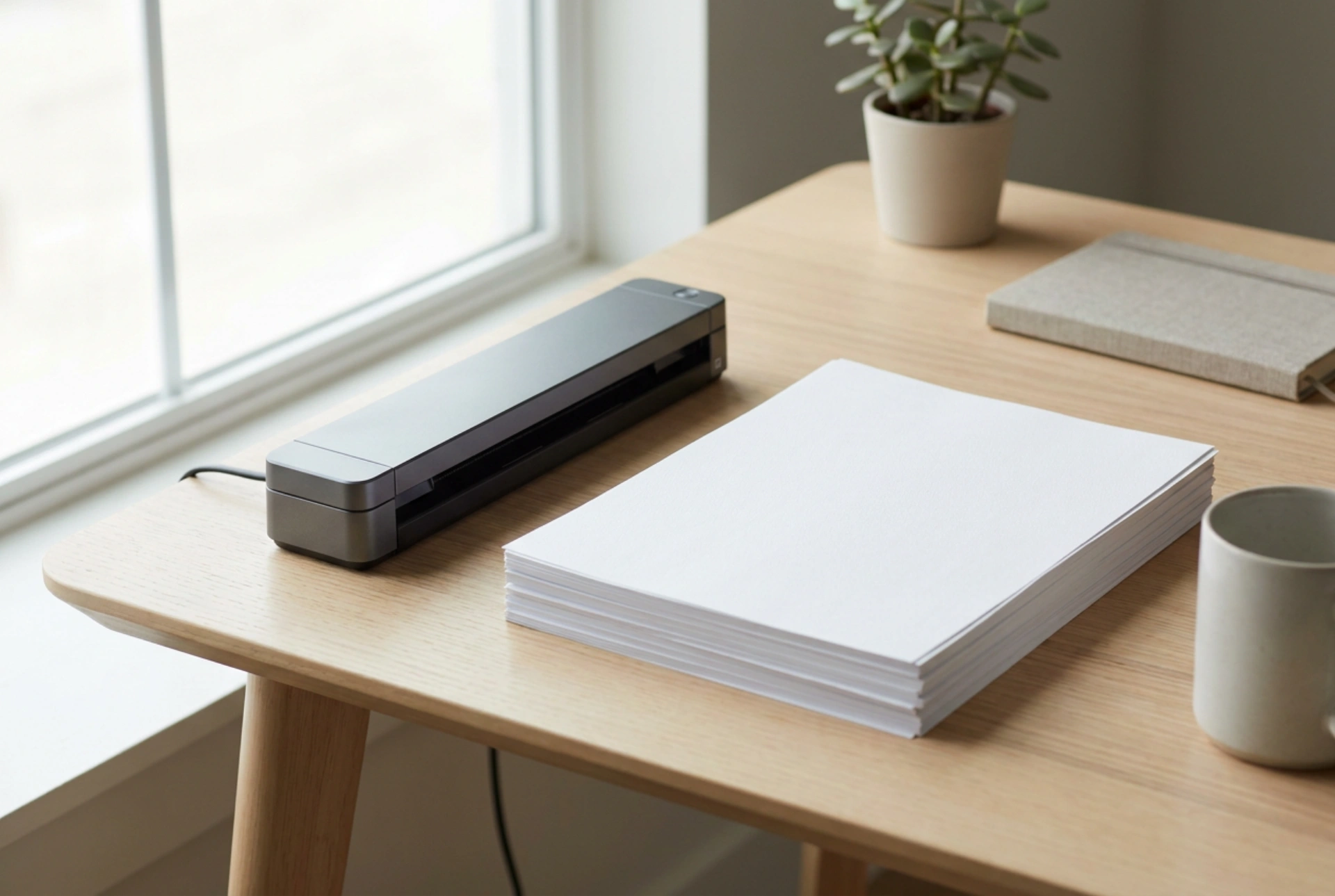


Transitioning physical paperwork into digital archives requires a clear understanding of how optical scanning technology interacts with paper media and light reflection. Selecting the correct scanning mechanisms, resolution settings, and document preparation steps ensures crisp, legible digital copies while protecting your equipment.
The Physics of Image Capture: CIS versus CCD Sensors
Multifunction colour laser printers utilise one of two primary scanning technologies to capture images: Contact Image Sensors (CIS) or Charge-Coupled Devices (CCD). Understanding the structural differences between these sensors explains why some scans appear blurry while others remain perfectly sharp.
- Contact Image Sensors (CIS): This technology places a line of red, green, and blue LEDs in close proximity to a light-sensitive silicon sensor array. Because there are no focal lenses or mirrors, the sensor must be almost in direct contact with the paper. CIS scanners are highly energy-efficient and allow for compact machine designs, but they have a very shallow depth of field. If a document is wrinkled, folded, or bound, any part of the paper not touching the glass will appear out of focus.
- Charge-Coupled Devices (CCD): CCD scanners use a system of mirrors and a high-quality lens to project the reflected light from the document onto a centralised sensor. This design provides a superior depth of field. Even if a book spine prevents the page from lying completely flat, the CCD sensor can still capture a sharp, legible image. However, these systems require more physical space and warm-up time.
Feeder Mechanics: Maximising Throughput with ADF
For multi-page documents, relying on manual flatbed scanning is highly inefficient. An Automatic Document Feeder (ADF) automates the process using a series of high-friction rubber rollers and separation pads. To prevent multi-sheet feeding and paper jams, these mechanisms rely on precise friction coefficients.
As the paper stack is drawn into the feeder, the top roller pulls the first sheet forward, while a reverse-acting separation pad beneath it applies resistance to hold back the subsequent sheets. Over time, paper dust (microscopic cellulose fibres) accumulates on these rubber rollers, reducing their coefficient of friction and leading to misfeeds or double-feeds. Cleaning these rollers regularly with a damp, lint-free cloth restores their gripping capability.
Determining the Right Optical Resolution and File Formats
Selecting the correct optical resolution, measured in dots per inch (DPI), is a balance between image clarity and digital storage efficiency. High-resolution scans require longer processing times and create massive file sizes that can slow down home networks.
- Text Documents (150 to 300 DPI): For standard text, black-and-white, or greyscale scanning, 200 DPI is generally optimal. It provides enough detail for optical character recognition (OCR) software to translate pixels into searchable text without generating bloated files.
- Graphic-Heavy Documents (300 to 600 DPI): If a document contains fine lines, small colour diagrams, or photographs, increasing the resolution to 300 or 400 DPI preserves the colour gradients and detail. Scanning above 600 DPI on a standard office multifunction printer rarely yields extra usable detail for document archiving and merely increases processing latency.
Preventative Care and Document Preparation
Physical preparation of paper is critical to protect both the mechanical components of the feeder and the optical integrity of the scanner glass. Foreign objects can permanently scratch the glass, leaving a permanent black line on every subsequent scan.
Before placing sheets in the ADF, always remove staples, paperclips, and adhesive notes. Fan the paper stack to dissipate static electricity, which causes sheets to cling together. When cleaning the scanner glass, apply a small amount of isopropyl alcohol to a microfibre cloth rather than spraying the glass directly. Liquid can easily seep under the bezel, short-circuiting the internal electronics of the scanner.





