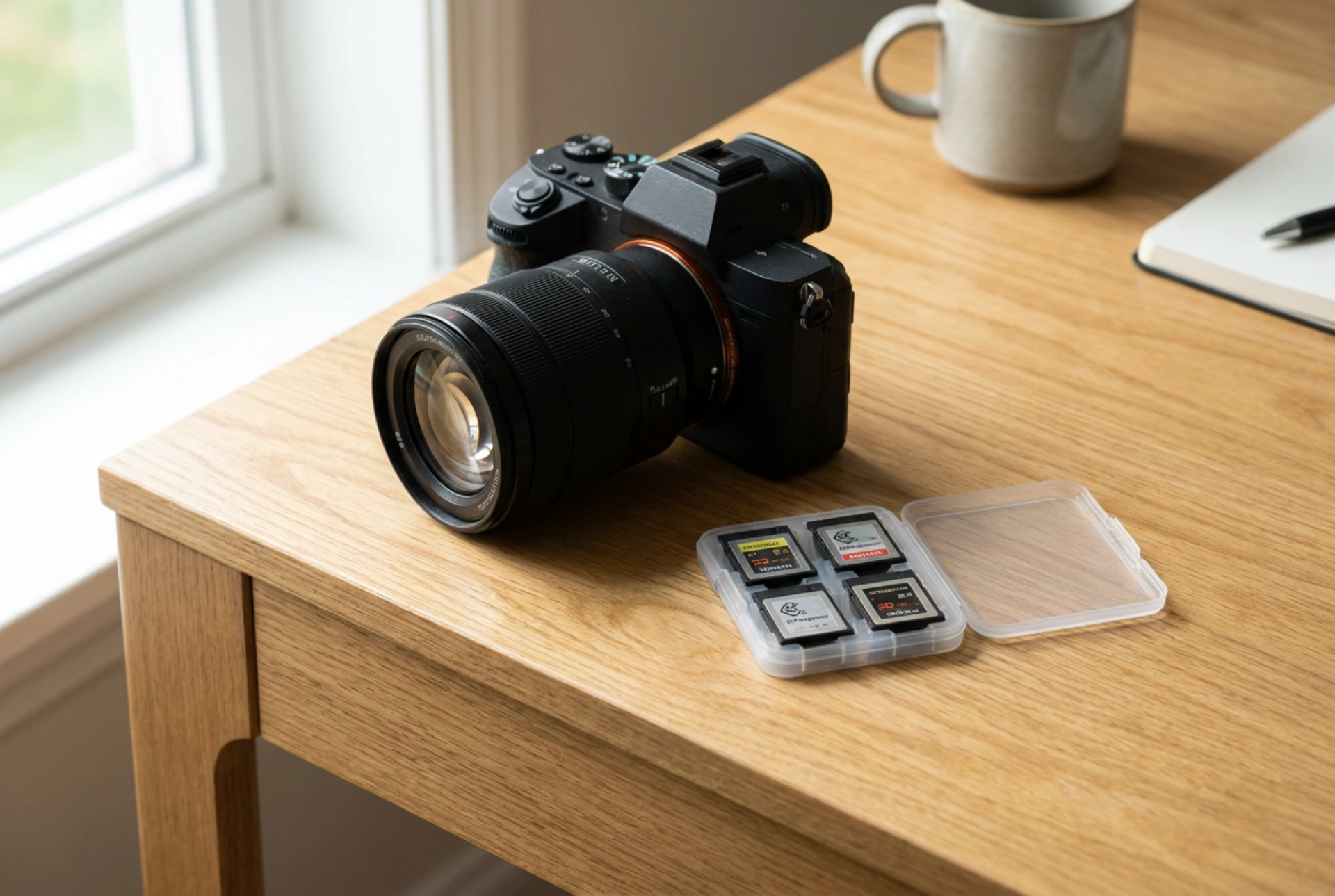


Selecting the correct SD card is crucial for unlocking your camera's full potential, especially when shooting in high-resolution RAW formats or rapid burst modes. Understanding the underlying data transfer technology prevents the frustrating camera freezing caused by a clogged internal buffer.
The Physics of Data Flow: Buffer and NAND Flash
To understand why a camera slows down during shooting, one must examine the relationship between the camera's internal buffer and the memory card. When you press the shutter button, the image sensor captures analog light waves, converts them into digital signals, and processes them into image files. This data is instantly dumped into the camera's buffer, which is a high-speed, temporary volatile RAM cache inside the camera body.
The buffer acts as a temporary holding area because writing data to non-volatile NAND flash memory, which is the technology inside SD cards, is a significantly slower chemical and electrical process. The memory card controller must organize the incoming data, find available blocks of flash memory, erase old states, and write the new data. If your card's sustained write speed is lower than the rate at which the camera dumps data into the buffer, the buffer fills to capacity. Once full, the camera halts the shutter mechanism to prevent data loss, creating a temporary lockout or slow-down.
Decoding the Symbols: Speed Classes Explained
Memory card manufacturers print a variety of speed classes on the card casing. Understanding these standards is key to selecting a card that matches your shooting habits:
- Speed Class: Marked by a number inside a circle, like Class 10. This is a legacy standard indicating minimum sequential write speeds. Class 10 guarantees at least 10 MB/s, which is insufficient for modern high-resolution burst shooting.
- UHS Speed Class: Represented by a number inside the letter U. U1 indicates a minimum write speed of 10 MB/s, while U3 guarantees 30 MB/s. For high-speed photography, U3 is the absolute minimum requirement.
- Video Speed Class: Indicated by V followed by a number, such as V30, V60, or V90. Originally designed for video recording, these ratings are highly relevant for photographers because they guarantee sustained minimum write speeds. A V60 card guarantees 60 MB/s, and a V90 card guarantees 90 MB/s of continuous write performance, preventing buffer bottlenecks during RAW shooting.
The Physical Interface: UHS-I versus UHS-II
The bus interface determines the physical pipeline size through which data travels between the camera and the card. Standard UHS-I cards use a single row of physical pin connectors on the back of the card, limiting the maximum theoretical transfer speed to 104 MB/s.
In contrast, UHS-II cards feature a second row of pin connectors directly below the first. This extra row allows for dual-channel data transfer, boosting theoretical speeds up to 312 MB/s. However, this speed is only achievable if your camera's card slot contains the corresponding secondary physical pins to interface with the second row. If a UHS-II card is inserted into a UHS-I slot, it will fallback to UHS-I speeds, meaning you will not benefit from the card's faster capabilities.
How to Match Card Capacity and File Systems
SD cards are divided into categories based on capacity and file systems. Secure Digital High Capacity (SDHC) cards range from 4GB to 32GB and use the FAT32 file system. Secure Digital Extended Capacity (SDXC) cards range from 64GB to 2TB and utilize the exFAT file system. For modern high-resolution cameras, SDXC is preferred as exFAT handles larger file sizes without splitting them, which reduces writing overhead and potential file corruption during fast-paced shooting sessions.
Best Practices for Maintaining Card Performance
To ensure your SD card maintains its optimal write speeds over time, always format the card within the camera itself rather than on a computer. In-camera formatting aligns the file allocation table specifically with the physical block structure of the NAND flash memory. This reduces the write amplification factor, ensuring that the camera's controller can write data directly to clean blocks without unnecessary erase cycles, thereby maximizing write speed and prolonging the lifespan of your card.





