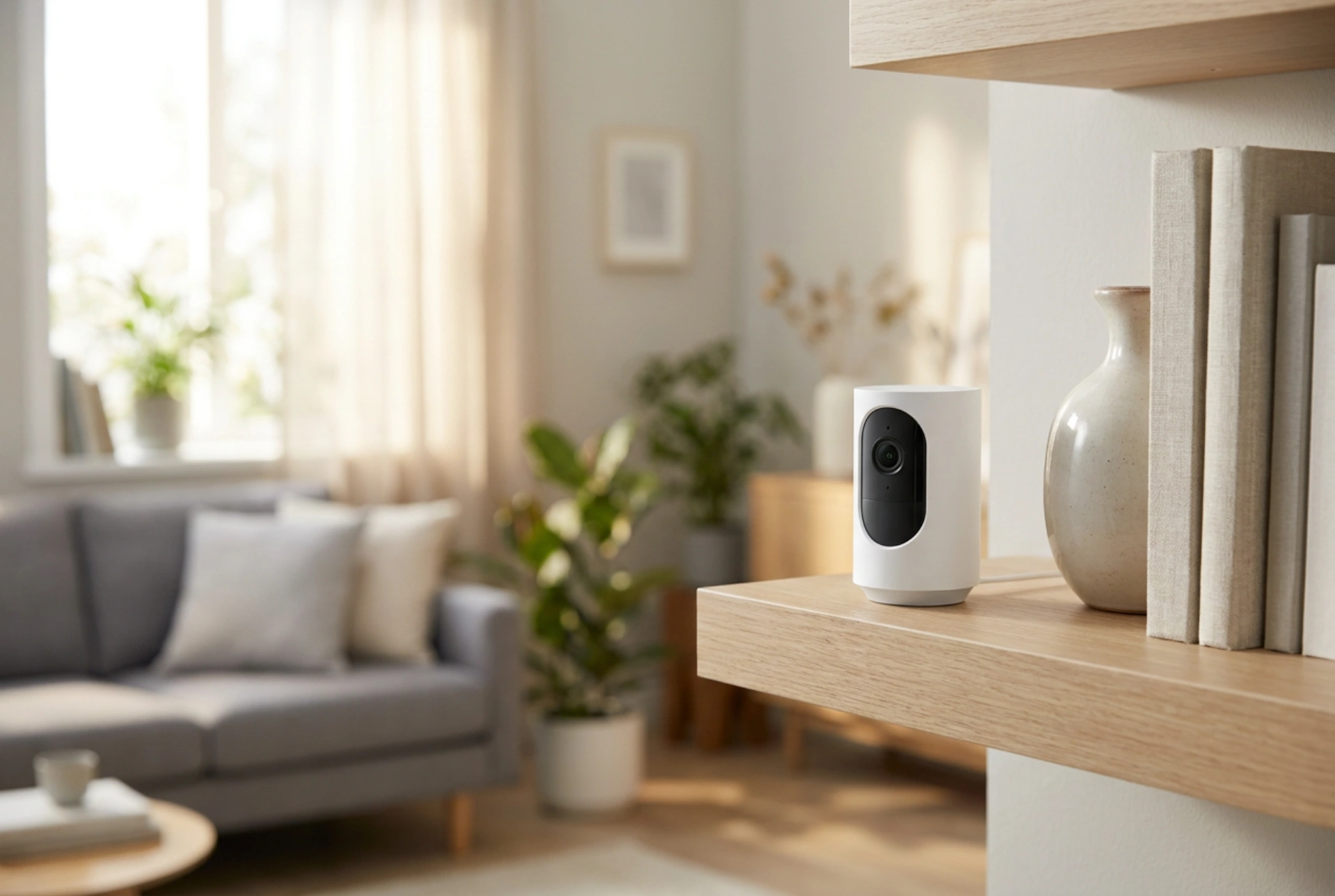


Achieving a seamless, high-definition video stream from wireless security cameras depends less on the device itself and more on the physics of radio wave propagation throughout your home. Minimizing signal dropouts and latency requires a strategic approach to physical placement, material barriers, and electromagnetic environment optimization.
Understanding Signal Attenuation and Material Barriers
Every wall, ceiling, and piece of furniture between your wireless router and your security camera acts as an attenuator, absorbing or reflecting electromagnetic waves. Radio signals at 2.4 GHz and 5 GHz frequencies behave differently when encountering domestic materials. Solid concrete, brick, and plaster containing wire lath are highly dense and cause severe signal degradation. Thick timber walls and dry drywall panels cause moderate loss, while glass and open air allow waves to pass with minimal obstruction.
- Water and Metal: Avoid placing cameras directly behind large house plants, aquariums, or metallic objects like refrigerators and filing cabinets. Water and metal are highly efficient at absorbing and reflecting high-frequency radio waves, creating dead zones.
- Frequency Selection: While 5 GHz offers higher data transfer rates for crisper video, its shorter wavelength struggles to penetrate solid walls. For cameras placed far from the router or behind multiple walls, the 2.4 GHz frequency is more reliable due to its longer waves, which bend better around obstacles.
Minimizing Electromagnetic Interference
Household electronics can disrupt the radio frequencies used by your wireless cameras. The 2.4 GHz band is particularly crowded. Devices such as microwave ovens, cordless phones, baby monitors, and even Bluetooth accessories emit signals that overlap with your Wi-Fi channels, leading to packet loss and dropped video frames.
To mitigate this, position your cameras at least two meters away from major appliances. If you must place a camera near a kitchen or utility room, configure your router to use less congested channels (typically 1, 6, or 11 in the 2.4 GHz spectrum) or migrate the camera to the 5 GHz band if the physical distance allows. Keeping the camera's path clear of active high-frequency transmitters ensures a stable stream of data packets.
Optimizing Lens Position and Avoiding Glare
Physical positioning affects not only the wireless signal but also the optical quality of the feed. One of the most common mistakes is placing a camera behind a glass window pane. During the day, sunlight creates harsh reflections on the glass, blinding the lens. At night, the camera's built-in infrared (IR) illuminators reflect directly off the glass, whitewashing the entire image into a useless glare.
- Angle of Incidence: Position the camera at a downward angle of 15 to 30 degrees. This reduces the amount of direct sky glare or ceiling light entering the lens, improving contrast and exposure.
- Reflective Surfaces: Ensure the camera’s field of view is clear of nearby white walls or glossy surfaces that can bounce light back into the sensor, causing overexposure.
Line of Sight and the Fresnel Zone
While a direct visual line of sight between the router and the camera is ideal, the radio wave path actually expands into a football-shaped three-dimensional space known as the Fresnel zone. If obstacles like massive wooden beams or metallic pillars encroach too closely upon this zone—even if they do not block the direct line of sight—they can cause phase shifts and signal cancellation.
To maintain a robust link, mount both the router and the cameras at elevated positions, ideally above the average height of furniture and human movement. Elevating the devices minimizes dynamic interference caused by people moving through the room and keeps the critical path of the radio wave clear of everyday clutter.





