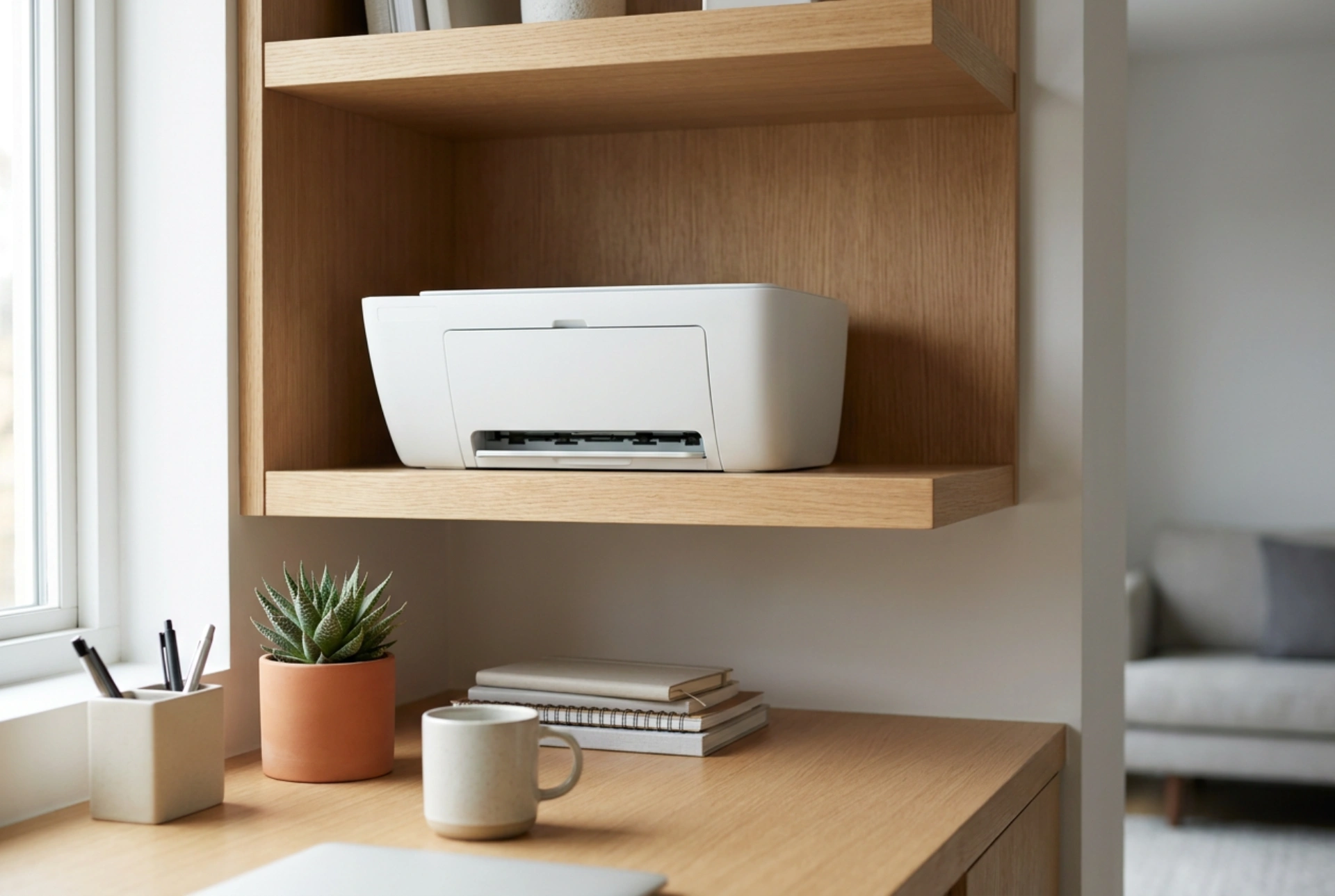


Integrating a compact printer into a modern home office requires more than just finding an empty corner; it demands a strategic approach to ergonomics, structural stability, and microclimate control. Placing your device correctly ensures operational longevity, prevents print defects, and maintains a highly productive working environment.
Structural Stability and Vibration Mitigation
Printers are inherently dynamic machines. The rapid back-and-forth movement of an inkjet print carriage or the high-speed rotation of a laser printer's drums generates significant kinetic energy. When a printer is placed on an unstable surface, such as a lightweight desk or a thin wall shelf, these movements translate into mechanical vibrations. This resonance not only amplifies operational noise but can also cause microscopic shifts in the printing mechanism, leading to alignment issues, blurred text, and accelerated wear on internal gears.
To counteract this, always position the printer on a high-density surface, such as solid wood, dense MDF, or a metal-framed desk. If you must use a modular shelving unit, ensure it is securely anchored to the wall. To further dampen kinetic transfer, place elastomeric or high-density rubber pads under the printer's feet. These materials absorb shear waves and prevent vibrational energy from transferring into your desk surface, ensuring a quieter workspace and cleaner print paths.
Microclimate and Material Science in Printer Care
Both inkjet and laser printers are highly sensitive to environmental factors like temperature, relative humidity, and dust. Paper is a highly hygroscopic material, meaning it readily absorbs moisture from the surrounding air. When stored or loaded in a damp environment, paper fibers swell, leading to frequent paper jams and poor ink adhesion. Conversely, excessively dry air promotes electrostatic charges, causing sheets to cling together and feed simultaneously.
Furthermore, thermal dynamics play a critical role. Laser printers rely on a fuser unit that heats up to over 150 degrees Celsius to melt toner onto the paper. If the printer is placed next to a heating radiator or in direct sunlight, the internal cooling fans must work twice as hard to prevent overheating, which can lead to premature component failure. Ensure your printer is positioned at least one meter away from heating vents and out of direct UV rays. Maintain a clearance of at least ten centimeters around all ventilation ports to facilitate passive convective cooling.
Ergonomics, Height, and Retrieval Mechanics
The physical positioning of a printer dictates how comfortably you interact with it daily. Placing a printer too low (such as on the floor or a low bottom shelf) forces you to bend awkwardly, placing unnecessary strain on the lumbar spine. Placing it too high (above shoulder level) makes loading paper and clearing jams difficult and increases the risk of dropping heavy paper reams.
The ideal ergonomic zone for a printer is between waist and chest height. This allows you to monitor the output tray, open the scanner bed, and replace consumables without compromising your posture. If space constraints force you to place the printer inside a cabinet or on a low shelf, consider installing a heavy-duty pull-out shelf. Utilize industrial ball-bearing drawer runners that lock in the extended position. This allows you to pull the printer out smoothly for loading and maintenance, then slide it away to keep the workspace uncluttered.
Cable Safety and Electrostatic Management
A tidy cable configuration is essential for both physical safety and electronic reliability. Power cords and data cables should never be left dangling, as they present a tripping hazard and can easily be snagged, pulling the device off its platform. Additionally, bundled cables can generate electromagnetic interference (EMI), which occasionally disrupts data transmission between your computer and the printer.
Run power and data lines through dedicated cable sleeves or under-desk trays. Keep the power cord separate from high-frequency signal lines where possible. Always ensure that power cords are not pinched behind heavy furniture, as compressed insulation can lead to short circuits. By managing these physical connections, you protect your hardware and maintain a clean, distraction-free environment.





