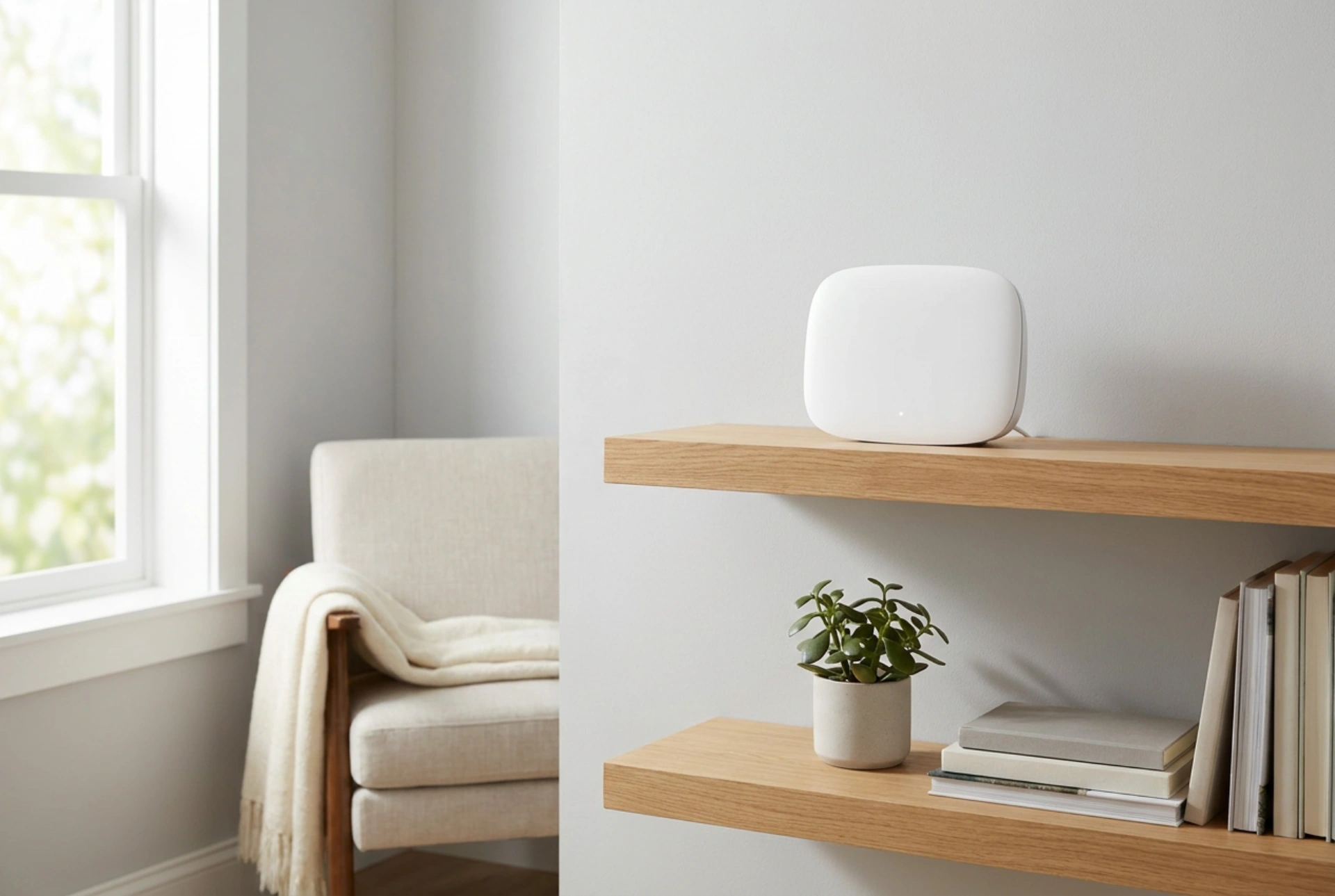


Achieving a stable wireless connection throughout your home depends on understanding how electromagnetic waves interact with physical obstacles and interference. Positioning a Wi-Fi range extender correctly is a science of balancing distance, material density, and signal propagation paths.
Understanding Signal Attenuation and Material Obstacles
Radio frequency (RF) signals emitted by wireless routers operate primarily on the 2.4 GHz and 5 GHz bands. As these electromagnetic waves travel through your home, they encounter physical objects that absorb, reflect, or refract the signal. This process is known as attenuation. Different construction materials impact wireless performance to varying degrees. For instance, standard drywall and timber studs offer relatively low resistance, absorbing only a fraction of the signal. In contrast, solid brick, concrete, and stone walls present significant barriers, heavily dampening the RF waves.
Two hidden obstacles often overlooked are metal and water. Metal surfaces—such as foil-backed insulation, metallic structural beams, and large mirrors (which contain a silver backing)—act as electromagnetic shields, reflecting waves and creating dead zones. Similarly, water absorbs RF energy highly efficiently, especially on the 2.4 GHz band, which is close to the resonant frequency of water molecules. Consequently, positioning an extender near aquariums, heavy plumbing, or under-floor heating systems will severely degrade your wireless network's efficiency.
The Halfway Rule: Finding the Sweet Spot
The most common mistake when setting up a Wi-Fi range extender is placing it directly inside the area with poor reception. An extender does not create a new internet connection; it merely captures the existing signal, amplifies it, and rebroadcasts it. If the extender is placed in a dead zone, it will receive a degraded, high-latency signal and broadcast that weak connection further.
To achieve optimal performance, apply the "halfway rule". Position the extender approximately midway between your main wireless router and the area of poor coverage. At this location, the extender must still receive a strong, clean signal from the router—ideally with a Received Signal Strength Indicator (RSSI) of -65 dBm or better—allowing it to retransmit a high-quality signal into the previously unreached rooms. Many modern extenders feature signal LED indicators; aim for a placement where the "link" light remains solid, indicating a stable backhaul connection.
Height and Orientation: Exploit Radiation Patterns
Most domestic routers and extenders utilise omnidirectional antennas, which broadcast RF signals in a doughnut-shaped pattern (toroid) radiating outwards perpendicular to the antenna. To make the most of this physical distribution, consider the following height and orientation adjustments:
- Elevate the Device: Place the extender at a height of 1 to 1.5 metres off the floor, such as on a shelf or sideboard. Avoid placing it directly on the floor, as wooden floorboards and concrete slabs absorb the signal, and furniture will block the lower half of the radiation pattern.
- Antenna Alignment: If your extender has external adjustable antennas, position them vertically (pointing straight up) to maximise horizontal coverage on a single floor. If you need to send the signal between floors in a multi-storey house, tilt one antenna horizontally to change the polarisation of the waves.
- Line of Sight: While direct line of sight is rarely possible in residential layouts, choosing a hallway or open corridor placement allows the signal to bounce along hard surfaces, effectively guiding the waves around corners.
Managing Frequency Bands and Interference
Dual-band extenders broadcast on both 2.4 GHz and 5 GHz frequencies. The 2.4 GHz band offers longer range and better penetration through walls, but it operates at lower speeds and is highly congested by everyday household items. Microwave ovens, baby monitors, and cordless phones all compete for this frequency band. The 5 GHz band provides significantly faster data transfer speeds and lower latency but struggles to penetrate solid materials.
When configuring your extender, utilise the 5 GHz band for high-bandwidth tasks requiring low latency, and keep the extender within a clearer line of sight to the router to maintain this high-frequency link. For devices located further away or behind multiple partitions, the 2.4 GHz band remains the more reliable, albeit slower, option.





