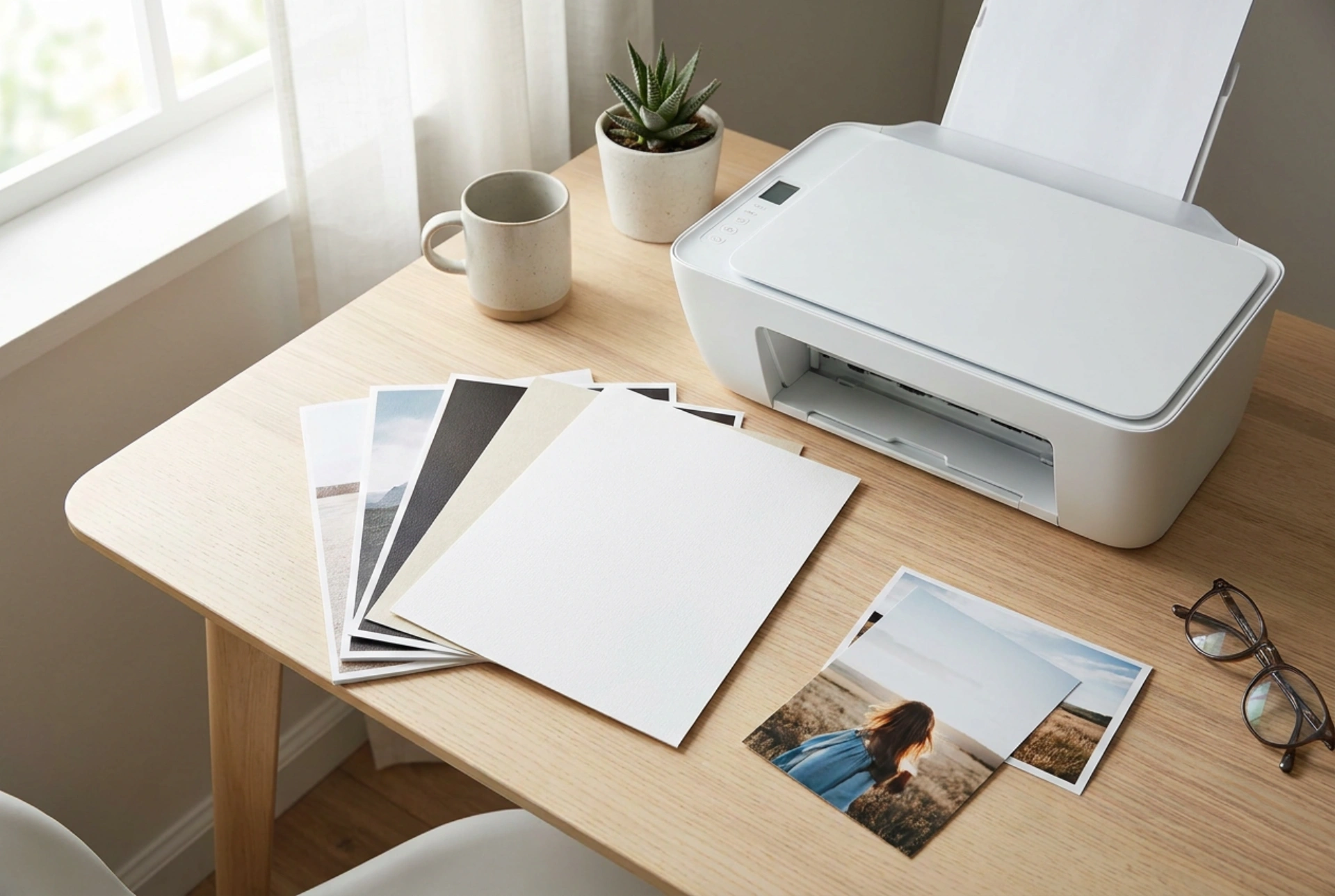


While laser printers excel at producing crisp text and fast office documents, using them for high-quality home photo prints presents unique physical and material challenges. Understanding the science behind toner fusion and paper chemistry is essential before attempting to print your family gallery on a laser machine.
The Physics of Toner vs. Liquid Ink
To understand why laser printers handle photographic images differently than inkjet printers, we must look at how the color medium is applied to the page. Inkjet printers use liquid inks that penetrate and chemically bond with the fibers or specialized coatings of photo paper. This allows the colors to blend smoothly at a microscopic level, creating continuous tones and deep gradations.
In contrast, a laser printer uses electrostatic forces to transfer dry, fine plastic powder (toner) onto the paper. A rotating drum is charged with static electricity, and a laser discharges specific areas to create an electrostatic image. The toner clings to these charged areas and is then transferred to the paper. Finally, the page passes through a fuser unit, which uses high temperatures (often exceeding 180 degrees Celsius) and pressure to melt the plastic polymers in the toner directly onto the surface of the paper. Because toner sits on top of the paper rather than soaking in, the physical texture of the image is fundamentally different.
How Color Is Created: Dithering vs. Continuous Tone
Another critical difference lies in color reproduction. Photographic prints rely on smooth transitions between shades. Inkjet printers achieve this by varying the size and density of liquid droplets, blending them directly on the medium to produce millions of colors. Laser printers, however, rely on a technique called halftoning or dithering. Because they cannot easily mix dry plastic powders to create custom shades on the fly, they print microscopic patterns of solid dots of the four primary printing colors: cyan, magenta, yellow, and black.
When viewed from a distance, the human eye blends these distinct dots into a single hue. Up close, however, this pattern is often visible as a fine grid or grain, which can make fine details in portraits or landscapes appear less sharp. The dynamic range—the contrast between the deepest blacks and the brightest highlights—is also inherently narrower in laser printing because melted toner lacks the optical depth of pigment- or dye-based liquid inks.
The Danger of Standard Glossy Photo Paper
The most important material science consideration when using a laser printer for photos is paper selection. Traditional glossy photo paper designed for inkjet printers is coated with a delicate polymer or resin layer meant to absorb liquid ink. If you run this paper through a laser printer, the extreme heat of the fuser will melt this synthetic coating. This can cause the paper to stick to the fuser rollers, permanently damaging the printer's heating elements and creating toxic fumes.
To print photos safely on a laser printer, you must use paper specifically labeled as laser-glossy or co-extruded laser photo paper. These sheets are engineered with heat-resistant coatings that can withstand temperatures up to 200 degrees Celsius without bubbling or melting. However, because these coatings must resist heat rather than absorb moisture, they do not offer the same ultra-high gloss finish as specialized inkjet papers.
Practical Applications and Durability
Despite these limitations, laser photo printing offers distinct advantages for specific domestic projects. Because the toner is a melted plastic polymer, the finished prints are highly durable, UV-resistant, and inherently waterproof. They will not smudge if touched with wet hands, and they are less prone to fading over time when exposed to sunlight compared to dye-based inkjet prints. This makes laser printers excellent for creating family newsletters, calendars, scrapbooking elements, recipe cards, and visual presentations.
Optimizing Your Laser Photo Prints: A Quick Checklist
- Verify paper compatibility: Double-check that your glossy or semi-gloss paper is rated for high-heat laser printers.
- Adjust printer driver settings: Change the media type in your print menu to Heavyweight, Glossy, or Coated to slow down the paper feed, ensuring the fuser melts the toner completely for a smoother finish.
- Manage resolution: Export your digital images at a minimum of 300 DPI to minimize the visibility of halftone patterns.





