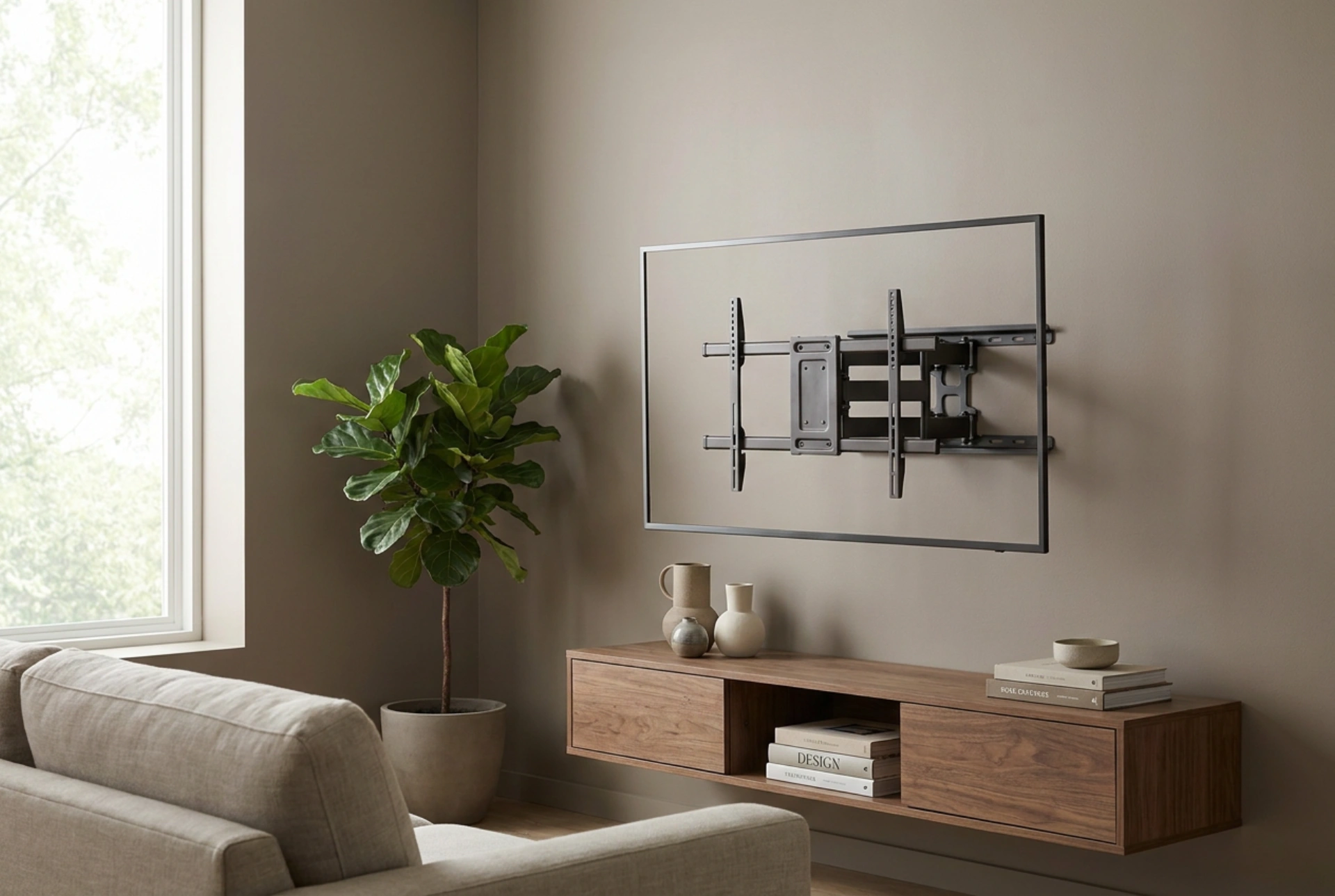


Selecting an articulating swivel TV mount is a precise engineering exercise that balances room geometry, viewing angles, and the physical load limits of your wall structure. Failing to account for these variables can lead to restricted movement, poor viewing ergonomics, or structural failure of the wall anchors.
1. The Physics of Leverage: Torque and Wall Material Compatibility
When a television is mounted on a flat, low-profile bracket, the load applied to the wall is primarily shear force (downward pull). However, when you introduce a swivel mount with an articulating arm, the physics change dramatically. Extending the screen away from the wall creates a lever arm, converting a simple downward load into a significant rotational force, known as torque.
This torque exerts intense tensile (pulling) force on the upper wall anchors and compressive force on the lower section of the wall plate. Consequently, the material composition of your wall dictates your mounting options:
- Solid Masonry and Concrete: These materials excel at handling compressive and tensile forces. Heavy-duty expanding nylon plugs or concrete sleeve anchors bite into the material, securing the mount safely even at full extension.
- Wood Stud Walls: The mount must be anchored directly into the center of wooden structural studs using heavy-duty lag screws. Anchoring into the plasterboard or drywall alone is a critical failure point; drywall lacks the cohesive tensile strength to withstand the leverage of an extended arm.
- Metal Studs and Hollow Cavities: Standard hollow-wall toggles are insufficient for articulating mounts. If mounting to metal studs, specialized heavy-duty snap toggles are required, and distributing the load across multiple studs using a wide steel backing plate is highly recommended.
2. Room Geometry: Calculating Arm Length and Swivel Limits
To choose a mount that allows the desired range of motion, you must analyze the spatial relationship between the width of your television and the maximum extension length of the bracket. A common error is assuming any full-motion mount allows a 90-degree turn.
To achieve a true 90-degree rotation, where the screen is perpendicular to the wall, the distance from the mount's wall hinge to the TV's center point must be greater than half of the television's total width. If the bracket arm is shorter than half the width of the screen, the edge of the television will strike the wall before it reaches the desired angle, limiting your viewing field.
In multi-functional spaces—such as open-concept living rooms connected to dining areas—measure the exact sightlines. If you need to view the screen from a 45-degree angle in an adjacent space, calculate the necessary arm length based on the screen's physical width to ensure the bezel clears any nearby architectural features, pillars, or cabinetry.
3. Mechanical Interface: VESA Standards and Weight Distribution
Before selecting a mount, you must verify compatibility with the Video Electronics Standards Association (VESA) pattern on the back of your television. This is the horizontal and vertical distance between the threaded mounting holes, measured in millimetres (for example, 400x400 mm).
Equally critical is the weight capacity of the bracket, which must never be matched to the screen diagonal size alone. Modern screens vary significantly in weight based on their display technology. A heavy-duty, cold-rolled steel bracket offers superior torsional stiffness compared to thin-gauge alloy alternatives. High-quality steel prevents the arm from sagging or twisting under load, ensuring the television remains perfectly level whether retracted or fully extended.
4. Managing Cable Tension and Tilt Physics
An often overlooked aspect of articulating mounts is the mechanical stress placed on connection cables. When the bracket extends and rotates, power cords and signal cables are subjected to pulling forces and tight bending radiuses.
- Cable Slack: Always route cables along the articulating arms with enough slack to accommodate the maximum extension and rotation angles without putting tension on the television's input ports.
- Tilt Adjustments: Vertical tilt functionality helps eliminate glare from high windows or light sources. Ensure the tilt mechanism uses a counterbalanced friction lock or secure mechanical detents so the screen does not drift downward over time due to gravity.





