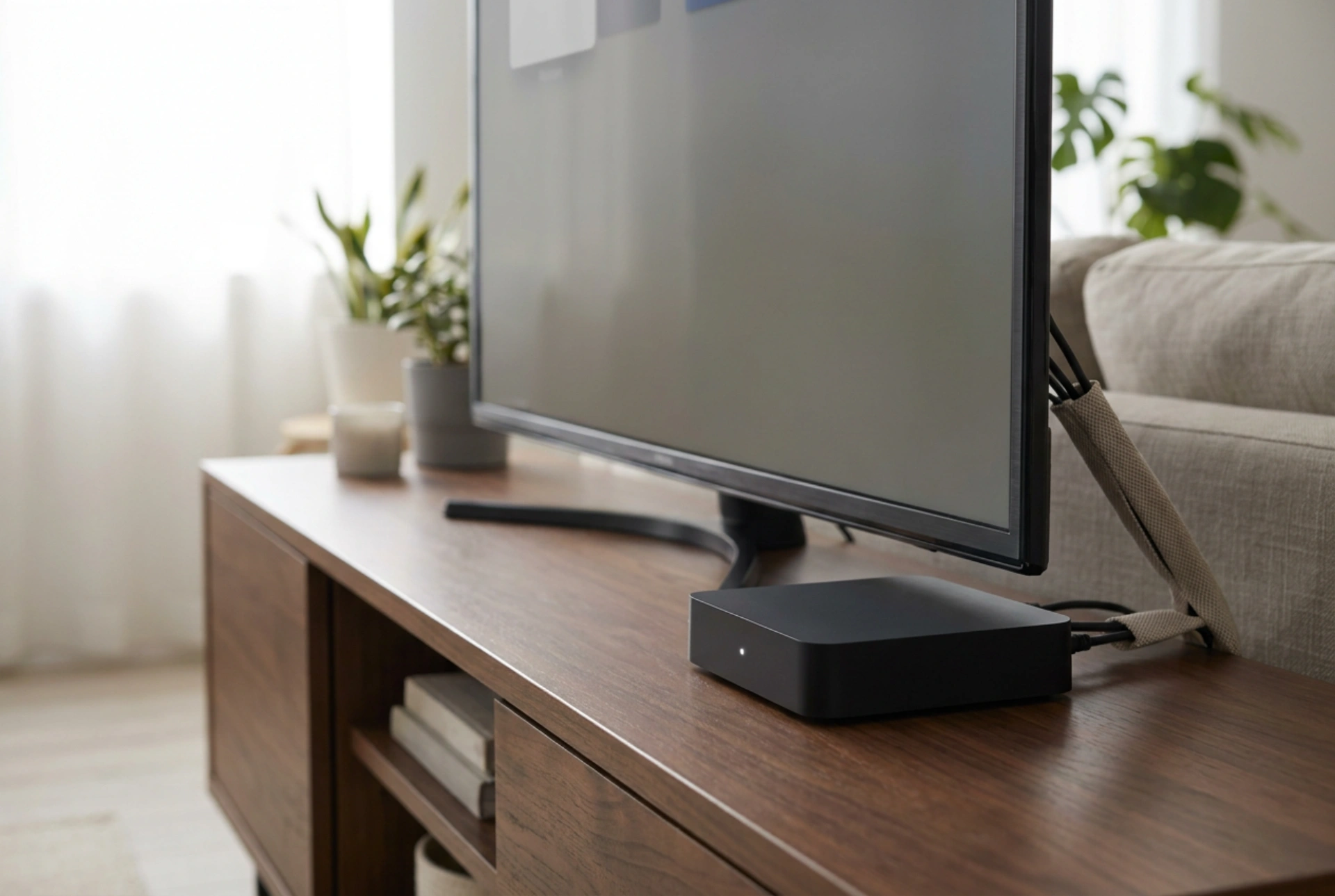


Upgrading an older television with modern smart capabilities is a highly efficient way to extend its usable lifespan without discarding perfectly functional display hardware. By utilizing external media streaming hardware, you can bypass outdated built-in software or add modern digital interfaces to a standard high-definition display panel.
Understanding the HDMI Connection and HDCP Compliance
The primary connection pathway for any modern smart upgrade is the High-Definition Multimedia Interface (HDMI) port. When connecting an external streaming dongle or micro-console, the two devices must establish a secure communication link known as a handshake. For older televisions, this process is governed by the High-bandwidth Digital Content Protection (HDCP) standard. HDCP ensures that digital content is encrypted as it travels from the player to the screen.
If you encounter a blank screen or an error message when connecting a new device, it is often due to an HDCP handshake failure rather than a faulty cable. Older TVs may support only HDCP 1.4, whereas modern ultra-high-definition content sometimes requires HDCP 2.2. To resolve this, ensure the streaming device is set to output a resolution that matches the native physical resolution of the panel (typically 1080p or 720p). Utilizing a high-speed HDMI cable capable of handling at least 10.2 Gbps ensures clean data transmission and minimizes signal degradation.
Power Supply Dynamics: USB Ports vs. Wall Adapters
Many compact media streaming sticks offer the convenience of drawing power directly from the television’s integrated USB ports. However, this configuration frequently leads to operational instability, boot loops, or sudden crashes during resource-intensive tasks like system updates or high-bitrate streaming.
Most legacy television USB 2.0 ports are engineered to deliver a maximum electrical current of 500 milliamperes (mA) at 5 volts. Modern smart streaming devices often require between 1.0 and 2.0 amperes (A) to operate stably under peak processing loads. Underpowering the internal processor causes voltage drops, leading to memory corruption and hardware fatigue. For optimal performance and longevity, always power the streaming device using its dedicated external AC wall adapter. This ensures a consistent, regulated electrical current that isolates the device from the TV's internal power fluctuations.
Maximizing Wireless Signal Strength and Minimizing Interference
Because streaming media relies on continuous data packets, network stability is critical. Placing a streaming receiver directly behind a large television screen creates a significant physical barrier to wireless signals. The metallic shielding and internal components of the TV act as an electromagnetic barrier, attenuating both 2.4 GHz and 5 GHz Wi-Fi signals.
To mitigate this attenuation, apply these physical positioning strategies:
- Use an HDMI extension cable: A short, flexible extension cable allows you to drop or extend the streaming dongle away from the main metal chassis of the television, exposing its internal antenna to a clearer line of sight with the wireless router.
- Select the correct frequency band: While the 5 GHz band offers higher throughput, its shorter wavelengths struggle to penetrate walls and heavy appliances. If the television is located several rooms away from the router, switching the streaming device to the 2.4 GHz band may offer a more stable, albeit slower, connection.
- Opt for wired Ethernet: If your streaming device or its power brick supports an RJ-45 Ethernet connection, a physical Category 6 (Cat6) cable completely eliminates wireless latency, packet loss, and local electromagnetic interference.
Thermal Management for Compact Streaming Hardware
Miniaturized streaming components pack high-performance processors into tight, unvented plastic enclosures. Without active fan cooling, these devices rely entirely on passive convection to dissipate heat. When tucked into a confined space behind a warm television, the ambient temperature can easily exceed safe operating limits, triggering thermal throttling which manifests as lag, buffering, or interface freezes.
To ensure optimal thermodynamic cooling, maintain a minimum of 5 centimeters of clearance around the streaming device. Avoid sandwiching the unit between the TV chassis and a wall mount. Periodically clearing dust from the connection ports and the device casing using dry compressed air prevents the formation of an insulating dust layer, keeping operating temperatures low and protecting the internal silicon pathways from premature degradation.





