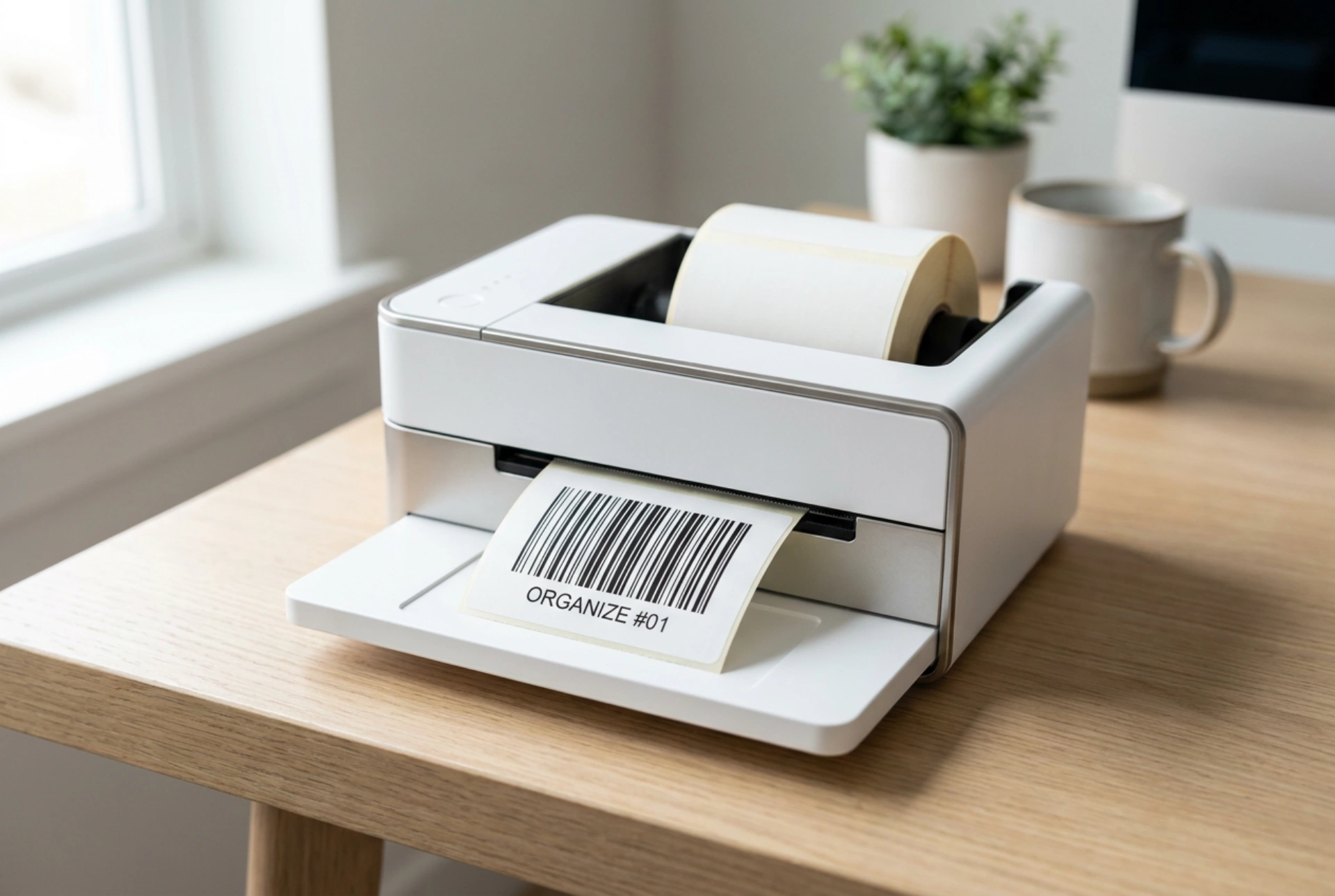


Achieving flawless barcode readability depends on understanding the physical interaction between printer mechanics, thermal paper properties, and optical scanner technology.
The Physics of Contrast and Optical Reflection
Barcode scanners read data by measuring the contrast between dark bars and light spaces. When a scanner emits red light, the dark bars absorb the wavelength, while the white spaces reflect it back to the sensor. To prevent reading failures, you must maximize this contrast ratio.
Always print barcodes in pure black on a solid white or highly reflective light background. Avoid printing barcodes in red, as red light scanners will see red bars as white spaces, rendering the code completely invisible to the device. Furthermore, the surface material must be matte. Glossy laminates or shiny plastic films cause specular reflection, which scatters the scanner light beam and prevents accurate reading. Opt for uncoated paper or matte synthetic labels to ensure diffused light scattering.
Selecting the Right Printing Technology and Materials
The choice between direct thermal and thermal transfer printing directly impacts the lifespan and clarity of the printed barcode. Each method serves a specific environmental use case.
- Direct Thermal Printing: This method uses heat-sensitive paper that darkens when it passes over the heated printhead. Because it requires no ink or ribbon, it is highly efficient. However, the resulting labels are sensitive to heat, UV light, and friction. Use direct thermal printing exclusively for short-term labeling, such as shipping labels or fast-moving consumer goods.
- Thermal Transfer Printing: This technique uses a heated ribbon to melt a pigment (wax, resin, or a wax-resin hybrid) onto the label material. Resin-based ribbons on synthetic labels offer the highest resistance to chemicals, moisture, and abrasion, making them ideal for long-term inventory or outdoor exposure.
Resolving Resolution and Scale Mismatches
A common cause of scanning errors is barcode pixelation, which occurs when a vector barcode image is improperly scaled to a low-resolution printer raster. Printer resolution is measured in dots per inch (DPI), typically 203, 300, or 600 DPI. If the barcode elements do not align perfectly with the physical printhead dots, the printer will attempt to approximate the widths of the bars, leading to uneven lines.
To prevent this, use native barcode fonts or vector graphic formats (such as EPS or PDF) instead of low-resolution raster images like JPEG or PNG. Always design the barcode at its target size rather than scaling it up or down in the print software. Additionally, maintain the standard "quiet zone"—the blank space to the left and right of the barcode. This zone must be at least ten times the width of the narrowest bar to allow the scanner sensor to calibrate its baseline contrast before reading the data.
Optimizing Thermal Settings and Maintenance
Physical calibration of the printing hardware ensures consistent line density and prevents mechanical distortion during the printing cycle.
Adjusting Print Speed and Darkness
High print speeds can cause the thermal elements to cool down insufficiently between rows, resulting in bleeding or smudged edges. Conversely, setting the printer darkness (burn temperature) too high causes the ink or thermal reaction to spread outward, narrowing the critical white spaces. If the darkness is too low, the bars will be faint and patchy. Run test prints to find the lowest darkness setting that produces a solid, uniform black without any bleeding.
Printhead Maintenance
Adhesive residue, dust, and carbon buildup on the printhead act as thermal barriers, leading to faint printing or completely blank vertical lines where a heating element has failed. Clean the printhead regularly using a lint-free cloth moistened with 99% isopropyl alcohol. Wipe gently across the heating line after every ribbon change or thermal roll swap to ensure consistent thermal transfer.





