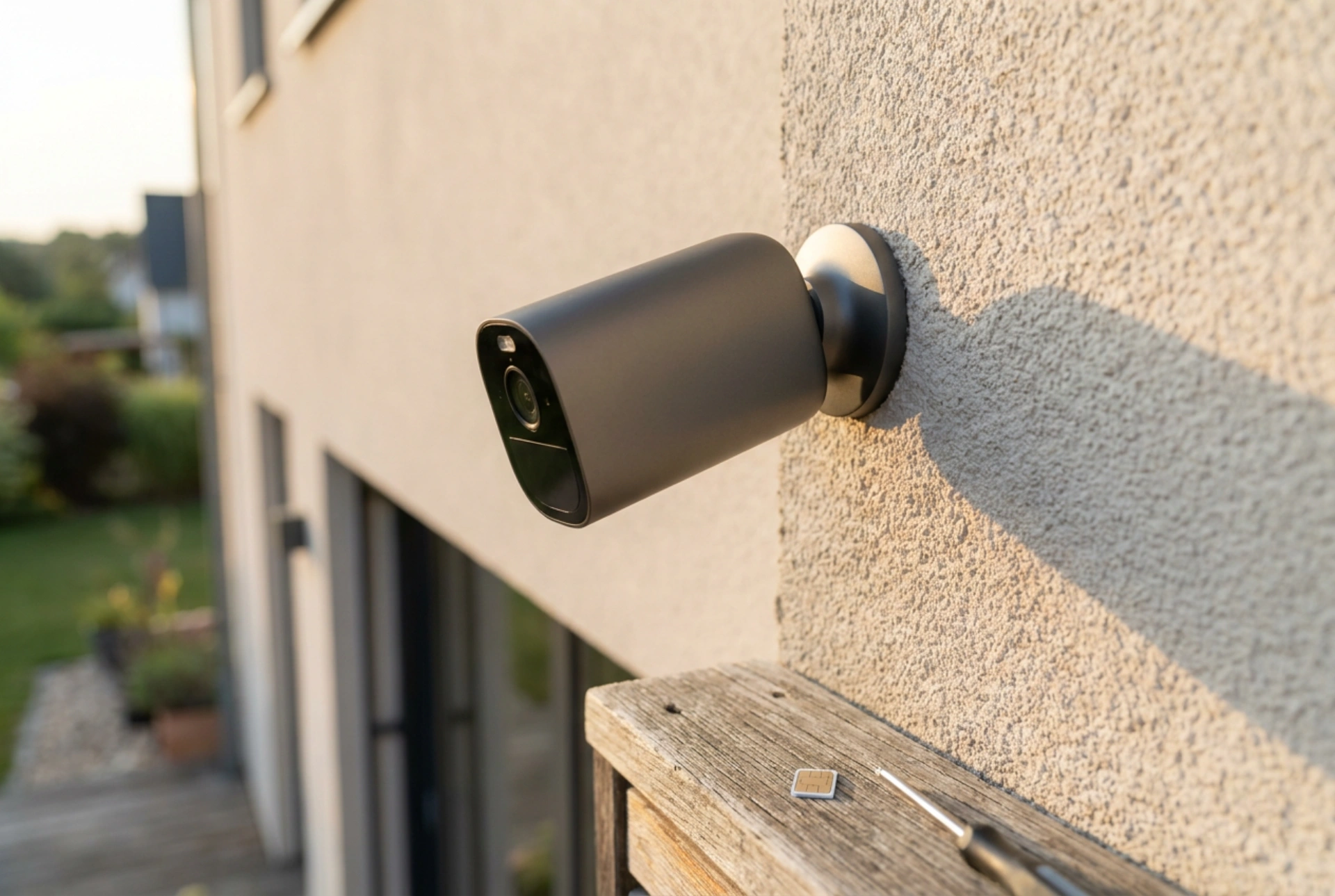


Setting up an outdoor security camera that relies on a cellular connection requires careful preparation of both the hardware and the network settings to ensure continuous surveillance and weather resistance.
Understanding the cellular camera mechanism
Unlike standard Wi-Fi models, an outdoor SIM card camera communicates directly with mobile network masts. This independence from local routers makes it ideal for remote areas, driveways, or large gardens. To achieve a stable data transfer, the camera must process cellular signals through its internal modem, which requires a properly configured SIM card, adequate power supply, and strategic physical placement to avoid signal degradation.
SIM card preparation and activation steps
Before inserting the SIM card into the camera housing, you must prepare it using a smartphone or computer. A common cause of installation failure is an inactive card or an active PIN lock, which the camera's basic firmware cannot bypass.
- Deactivate the PIN code: Insert the SIM card into a mobile phone first. Go to the security settings and disable the PIN request. The camera must be able to access the cellular network instantly upon boot.
- Verify data plan and activation: Ensure the card has an active data package. Open a web browser on the phone using the SIM's cellular data (with Wi-Fi turned off) to confirm that the connection is active and data flows freely.
- Select the correct size: Use the exact form factor specified by the manufacturer (usually nano-SIM or micro-SIM). Avoid using loose adapters, as temperature fluctuations outdoors can cause them to shift, breaking the electrical contact.
Ensuring moisture protection and correct physical insertion
Outdoor cameras are exposed to rain, humidity, and extreme temperatures. Preventing moisture ingress during the card installation is critical for protecting the delicate electronic components inside the card reader slot.
Working in a dry environment
Never open the camera seal outdoors or in damp conditions. Condensation can easily become trapped inside the housing, leading to corrosion over time. Always perform the card insertion and initial configuration indoors on a clean, dry surface.
Proper orientation and sealing
Locate the SIM card slot, which is typically protected by a rubber gasket and a secured cover. Insert the card in the direction indicated by the small diagram molded onto the camera body. Push it gently until it clicks into the spring-loaded slot. When closing the cover, ensure the rubber gasket lies perfectly flat in its groove. Tighten the screws evenly to create an airtight seal; uneven pressure can allow moisture to penetrate during heavy rain.
Optimising cellular signal strength and placement
The transmission of high-definition video requires a strong and stable cellular signal. A weak connection leads to packet loss, delayed alerts, and rapid battery depletion as the device constantly boosts its antenna power to search for a network.
- Check signal levels on-site: Before drilling holes to mount the bracket, hold your smartphone near the intended camera location and check the signal bars for the chosen cellular provider. If the signal is weak, consider adjusting the mounting height or moving the camera a few feet to avoid thick masonry, metal structures, or dense foliage.
- Antenna positioning: If the camera features external antennas, orient them vertically. The radio waves emitted by mobile masts are vertically polarised, meaning parallel alignment between the camera antennas and the transmission source yields the highest signal quality.





