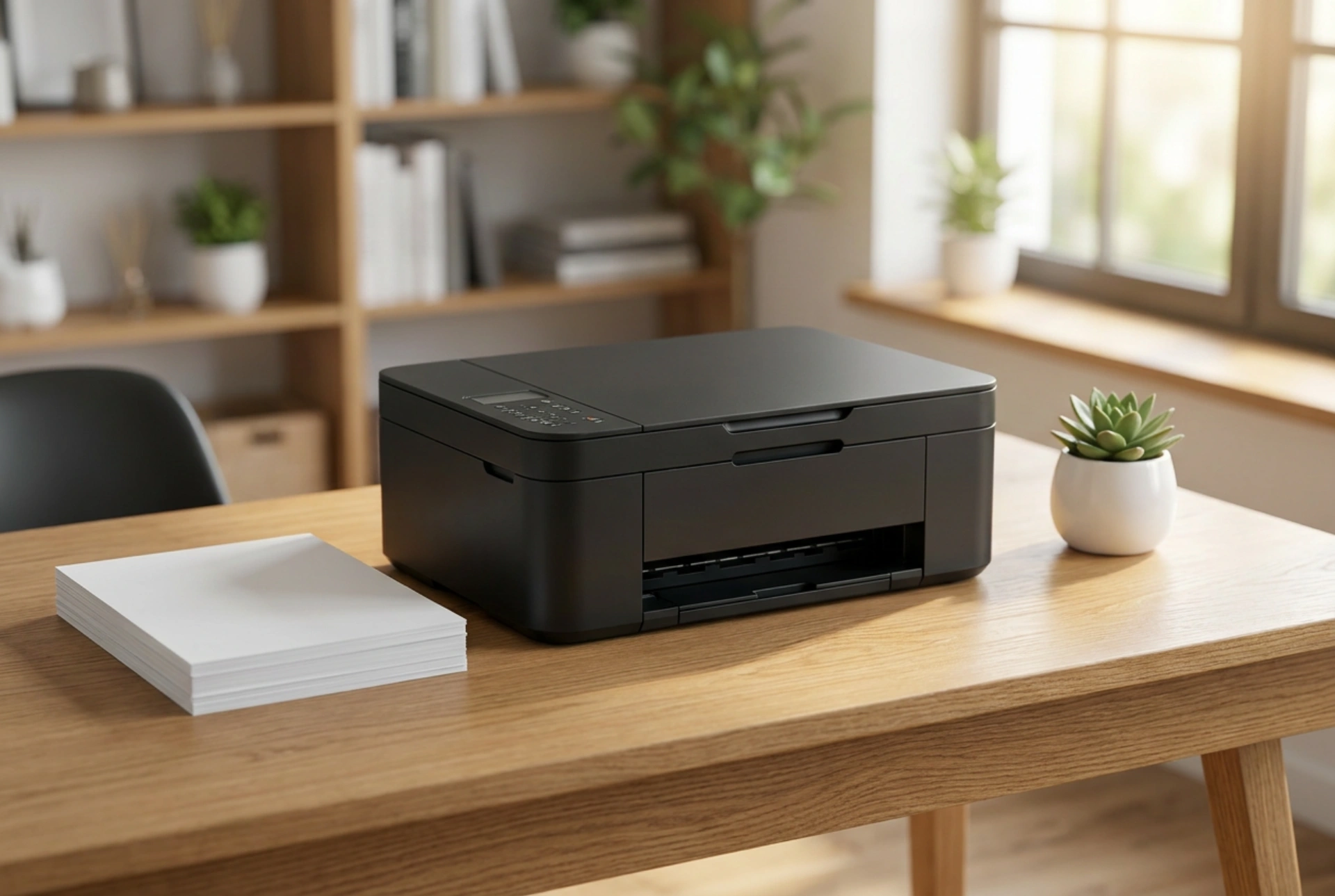


Integrating a multifunctional laser printer into a small home office requires a smart balance of physical ergonomics, spatial geometry, and accessible cable management.
Understanding the physical footprint and clearance zones
When planning the placement of an all-in-one laser printer, you must consider more than just its static dimensions. A printer with an integrated flatbed scanner has dynamic space requirements. The static footprint is the width and depth of the unit when closed, but the active footprint includes the height needed to fully open the scanner lid and the depth required for paper input and output trays. To prevent physical strain on the machine's hinges and to ensure comfortable document placement, allow at least thirty centimeters of vertical clearance above the scanner glass. Additionally, keep the front zone clear of keyboard trays or office chairs to accommodate extended paper catchers and to allow easy access for toner cartridge replacement.
Utilizing vertical space and specialized furniture
When desk surface area is at a premium, moving the printer off your primary workspace is the most effective strategy. Placing the device on a sturdy under-desk rolling cart keeps it within arm's reach while preserving valuable desktop real estate. Alternatively, heavy-duty floating shelves or dedicated wall-mounted brackets can support the weight of a laser printer, which is significantly heavier than an inkjet equivalent due to its internal metal chassis and heavy fuser unit. If you choose to mount the printer on a shelf, ensure the anchors are rated for at least twice the weight of the device to withstand the mechanical vibrations generated during the high-speed printing process.
Managing airflow and heat dissipation
Laser printers rely on thermal energy to fuse toner powder onto paper, reaching internal temperatures of over two hundred degrees Celsius. This process generates substantial heat that must be dissipated to prevent components from warping or overheating. Placing a compact laser printer in a tightly enclosed cabinet or a deep drawer without proper ventilation is a fire hazard and will shorten the lifespan of the electronics. Always maintain a minimum clearance of ten centimeters around all cooling vents, which are typically located on the sides and rear of the device. If you must integrate the printer into built-in cabinetry, consider removing the back panel of the furniture or installing passive ventilation grilles to facilitate continuous airflow.
Optimizing cable routing and wireless connectivity
A cluttered workspace reduces productivity and increases the risk of accidental cable snags. To minimize visual noise, position the printer close to a wall outlet and route the power cable through desk grommets or adhesive cable clips. If your device supports wireless connectivity, you can decouple it entirely from your main desk and place it in an adjacent closet or on a nearby sideboard. However, ensure that the chosen location does not block the Wi-Fi signal with dense materials like concrete walls or metal filing cabinets. For wired configurations, utilize a flexible, braided USB cable routed along the underside of the desk frame using magnetic organizers.
Operational ergonomics and physical access
For maximum efficiency, the printer should be positioned according to the frequency of its use. If you scan documents daily, the scanner bed should sit between waist and chest height to prevent repetitive bending or reaching. Loading paper and clearing occasional jams also require unobstructed access to the paper cassettes and rear duplex paths. Ensuring the machine is angled slightly toward your primary sitting position allows you to monitor status lights and retrieve printed sheets without standing up, creating a seamless and ergonomic workflow in your compact home office.





