

Modern gaming laptops pack immense processing power into slim chassis, leading to thermal throttling and reduced component lifespans if heat is not dissipated efficiently.
Understanding Laptop Intake and Exhaust Dynamics
Before purchasing a cooling pad, you must analyze the airflow architecture of your specific laptop. Turn your device over to locate the intake vents. Most gaming laptops draw cool air from the bottom chassis through integrated fans and expel hot air through the rear and side exhausts. A cooling pad must work in harmony with this pre-existing directional airflow.
If your laptop draws air from the bottom, the cooling pad should push air upward into those identical zones. Aligning the positioning of the cooling pad’s fans with the laptop's intake grilles maximizes thermal exchange. Conversely, if your laptop has a solid base without intake vents on the bottom, a cooling pad will primarily cool the outer plastic or metal alloy shell rather than directly cooling internal copper heat pipes.
The Physics of Heat Dissipation: Materials and Fans
The materials used in a cooling pad dictate its passive heat dissipation capabilities. Metal alloys, particularly aluminum, possess high thermal conductivity compared to plastics. An aluminum surface acts as an auxiliary heat sink, drawing heat away from the laptop chassis even when the integrated fans are inactive. When evaluating a pad, prioritize rigid metal mesh designs that allow unrestricted airflow while offering structured support.
When it comes to active cooling, fan configuration matters more than sheer fan count. A single large fan (140mm to 200mm) typically moves more air at lower revolutions per minute (RPM) than multiple small fans (70mm to 80mm). Lower RPM translates to quieter operation and a lower-pitched hum, which is less distracting during gaming sessions. Look for pads that offer adjustable fan speed controls, allowing you to balance decibel levels with thermal performance depending on your current system load.
The Role of Static Pressure vs. Airflow Volume
In fluid dynamics, airflow is measured in Cubic Feet per Minute (CFM), representing the volume of air moved. However, static pressure is equally critical. Static pressure determines how effectively the air can push through restrictive barriers, such as the fine mesh dust filters and tight copper cooling fins inside your laptop.
High-CFM fans with low static pressure may look impressive on paper, but the air they push will simply bounce off the laptop's bottom casing instead of penetrating the internal chamber. Sealed pressure pads, which utilize a soft silicone or rubber ring to create a tight seal between the pad and the laptop base, force all generated air directly into the laptop’s intake vents. This mechanical seal dramatically increases static pressure, resulting in the most significant temperature drops for high-performance systems.
Ergonomics, Power Draw, and Structural Integrity
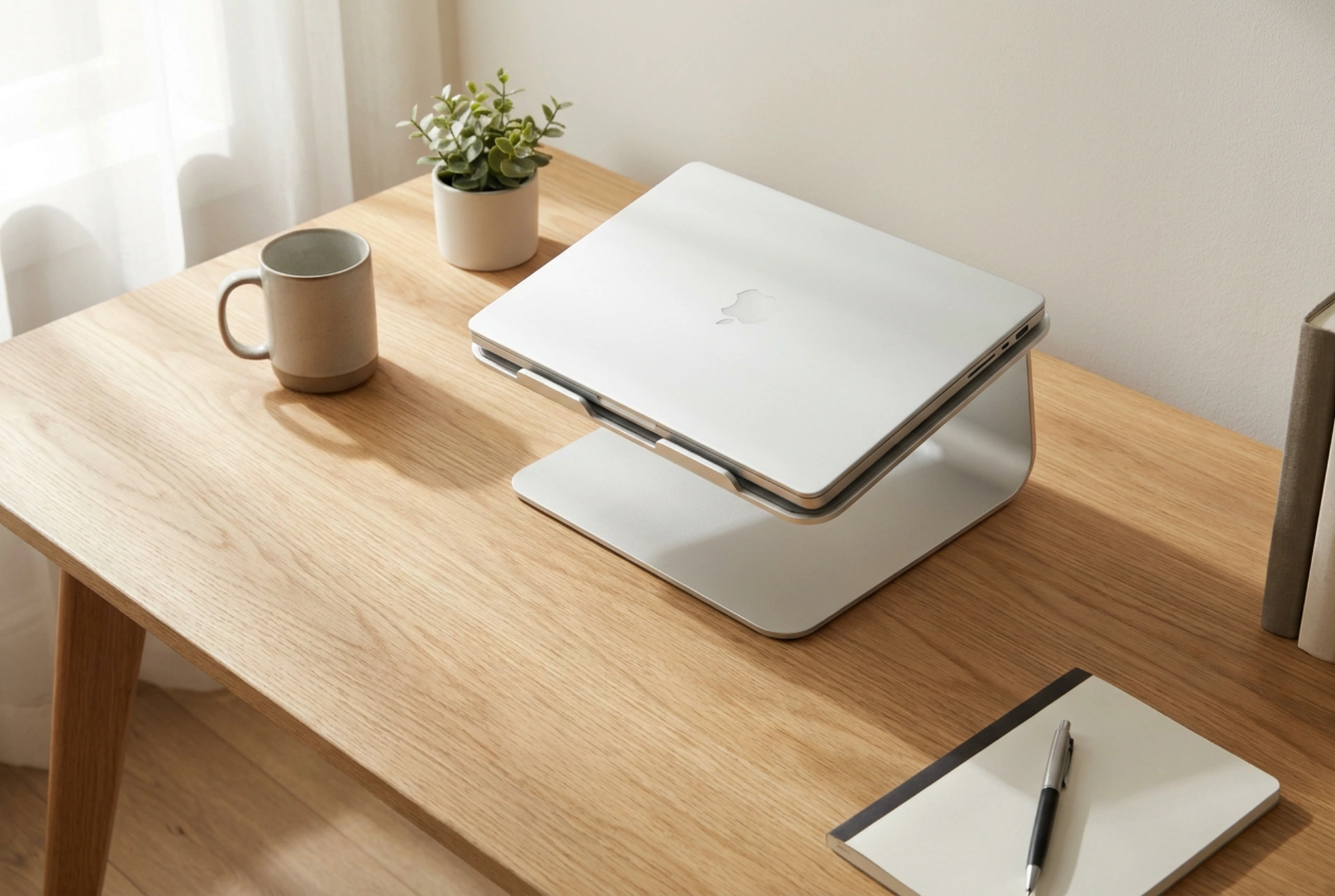
A cooling pad also serves as an ergonomic stand. Elevating the rear of the laptop improves the natural angle for typing and aligns the screen closer to eye level, reducing neck strain. Furthermore, elevating the laptop off the flat desk surface inherently improves passive airflow by creating a larger clearance zone for heat to escape, regardless of whether the cooling pad fans are running.
Ensure the cooling pad is powered via a pass-through USB connection or an external power adapter to avoid draining your laptop's battery or overloading its internal USB bus. Sturdy, adjustable legs with non-slip rubber feet are essential to prevent the heavy gaming unit from sliding during intense gameplay sessions.





