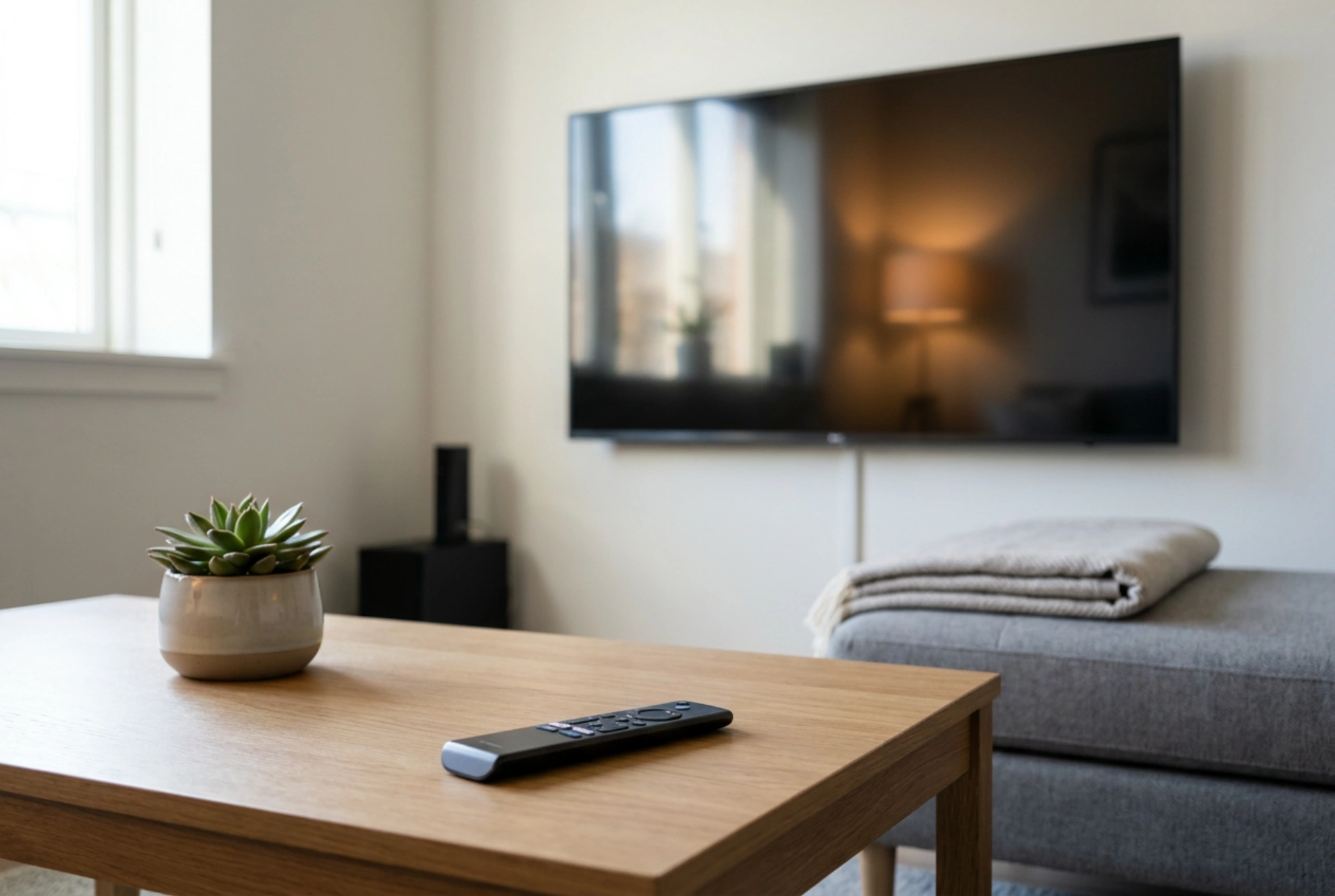


Modern Smart TVs offer unparalleled convenience by integrating internet connectivity and interactive software, but they also collect extensive user data through automated content recognition (ACR). Understanding how these tracking mechanisms function allows you to reclaim your digital privacy without sacrificing your viewing experience.
The Anatomy of a Smart TV: Connectivity and Data Tracking
A Smart TV operates on an internal operating system designed to stream digital media, run applications, and connect to other local devices. Unlike traditional monitors, these appliances are equipped with persistent network connections that facilitate continuous two-way communication. Every application interaction, search query, and even the live broadcast signals you watch are processed by the TV\'s firmware.
The primary mechanism for data harvesting in modern screens is Automated Content Recognition (ACR). This technology analyzes visual and acoustic fingerprints from your screen, matching them against a global database to identify exactly what program, advertisement, or video game you are playing in real-time. This processing occurs at the hardware level, meaning it tracks content regardless of its source, whether it is an external media player, a cable box, or an over-the-air antenna.
Locating and Disabling Automated Content Recognition (ACR)
Restricting data tracking requires navigating the nested setup menus of your operating system to disable ACR and personalized advertising. While manufacturers hide these settings under various proprietary names, the underlying procedure remains consistent across most platforms.
- Access your television\'s main settings menu and locate the section labeled "Terms and Policy", "Privacy", or "Support".
- Search for terms such as "Viewing Information Services", "Interactivity Services", or "ACR".
- Toggle these options to the "Off" position. This prevents the operating system from capturing and uploading real-time screen hashes to external servers.
Disabling these features does not break your streaming applications; it simply prevents the manufacturer from selling your viewing habits to third-party data brokers and advertisers.
Managing Voice Recognition and Microphone Permissions
Many modern remotes and television bezels house integrated far-field microphones designed for voice control. To prevent ambient household audio from being recorded and analyzed, you must manage microphone permissions. If you do not actively use voice commands, the most secure option is to disable the wake-word detection or turn off the voice service entirely in the system settings. For absolute physical privacy, look for a hardware toggle switch on the body of the TV—often found near the physical power button—which physically disconnects the microphone circuit.
Network-Level Strategies for Total Control
For advanced users, relying solely on on-device software toggles may not feel sufficient, as firmware updates can occasionally reset privacy configurations. Implementing network-level filtering offers a robust secondary layer of defense.
By accessing your home router\'s administration panel, you can configure domain name system (DNS) sinks or block specific tracking domains associated with your TV\'s manufacturer. Utilizing a local DNS blocker on your home network allows you to intercept and drop telemetry data packets sent by the TV before they ever reach the public internet, ensuring your household habits remain entirely private.





