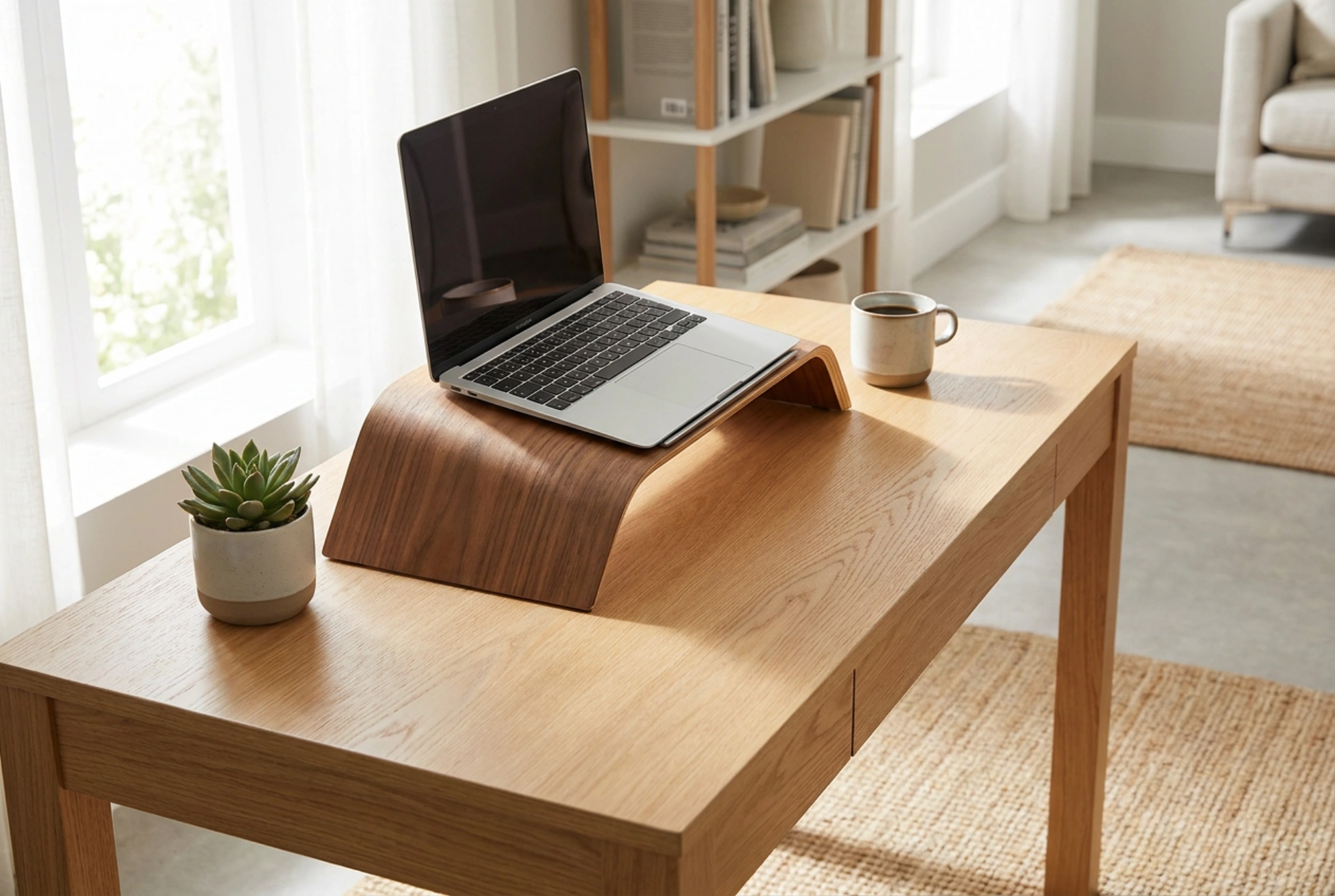


Positioning a laptop correctly prevents physical strain and guards your hardware against heat-induced damage.
The physics of wooden stands and thermal management
Laptops rely on precise airflow paths to cool sensitive internal components. Most models draw cool air from the bottom and expel warm air through rear or side vents. Placing a laptop flat on a soft surface blocks these intake pathways, forcing internal fans to run constantly at high speeds. This increases the internal operating temperature, accelerates component wear, and degrades battery health over time.
A wooden laptop stand elevates the device, creating an open air chamber underneath. Wood acts as a natural insulator rather than a heat sink like aluminum, meaning it does not transfer heat back to the laptop chassis. The elevation utilizes natural convection: as the laptop warms the air beneath it, that warm air rises and escapes, drawing cooler ambient air into the intake vents. The thermal properties of solid wood, combined with open cutouts in the stand design, ensure the laptop remains within its optimal operating temperature range.
Ergonomics: Aligning the screen to your field of vision
Using a laptop without a stand forces the neck into a downward angle, placing up to twenty-seven kilograms of pressure on the cervical spine. To prevent neck fatigue, tension headaches, and long-term posture alignment issues, the screen must be elevated so the top third of the display aligns directly with your horizontal eye line.
When utilizing a wooden stand to achieve this height, the built-in keyboard and trackpad become unusable for prolonged typing. Doing so would force your wrists into an unnatural upward extension, compressing the carpal tunnel. Therefore, elevating a laptop requires the use of an external keyboard and mouse. These input devices should be positioned flat on the desk surface, allowing your elbows to rest at a ninety-degree angle and your shoulders to remain fully relaxed.
Selecting the right wood and structural design
The stability of your laptop depends on the material density and joinery of the stand. When choosing a wooden stand, material science plays a significant role in long-term durability:
- Hardwoods: Oak, walnut, and beech offer high density and natural resistance to warping under the dry, warm air generated by computer processors.
- Plywood and Bamboo: Multi-layered birch plywood and compressed bamboo provide excellent dimensional stability, meaning they will not expand or contract significantly with seasonal humidity changes.
- Angle of Inclination: An angle between twelve and twenty degrees is ideal for passive cooling and reducing screen glare without making the laptop top-heavy.
- Retention Lips: The front lip must be tall enough to secure the laptop frame but low enough to avoid blocking status lights or charging ports. High-quality stands feature a protective cork or felt lining on the lip to prevent scratching the device chassis.
Maintenance and care of wooden desk accessories
Wood is a living material that reacts to environmental conditions. To maintain the structural integrity and finish of your wooden stand, simple maintenance rules apply. Dust the surface regularly with a dry microfibre cloth to prevent abrasive particles from scratching the protective finish. Avoid using harsh chemical detergents or multi-surface sprays, which strip away protective natural waxes or oils.
Every six months, apply a thin layer of natural linseed oil or beeswax using a lint-free cloth. Rub the oil in the direction of the wood grain, let it penetrate for twenty minutes, and buff off the excess. This process replenishes the wood fibers, prevents cracking from the heat generated by the laptop, and maintains the natural beauty of the wood grain.





