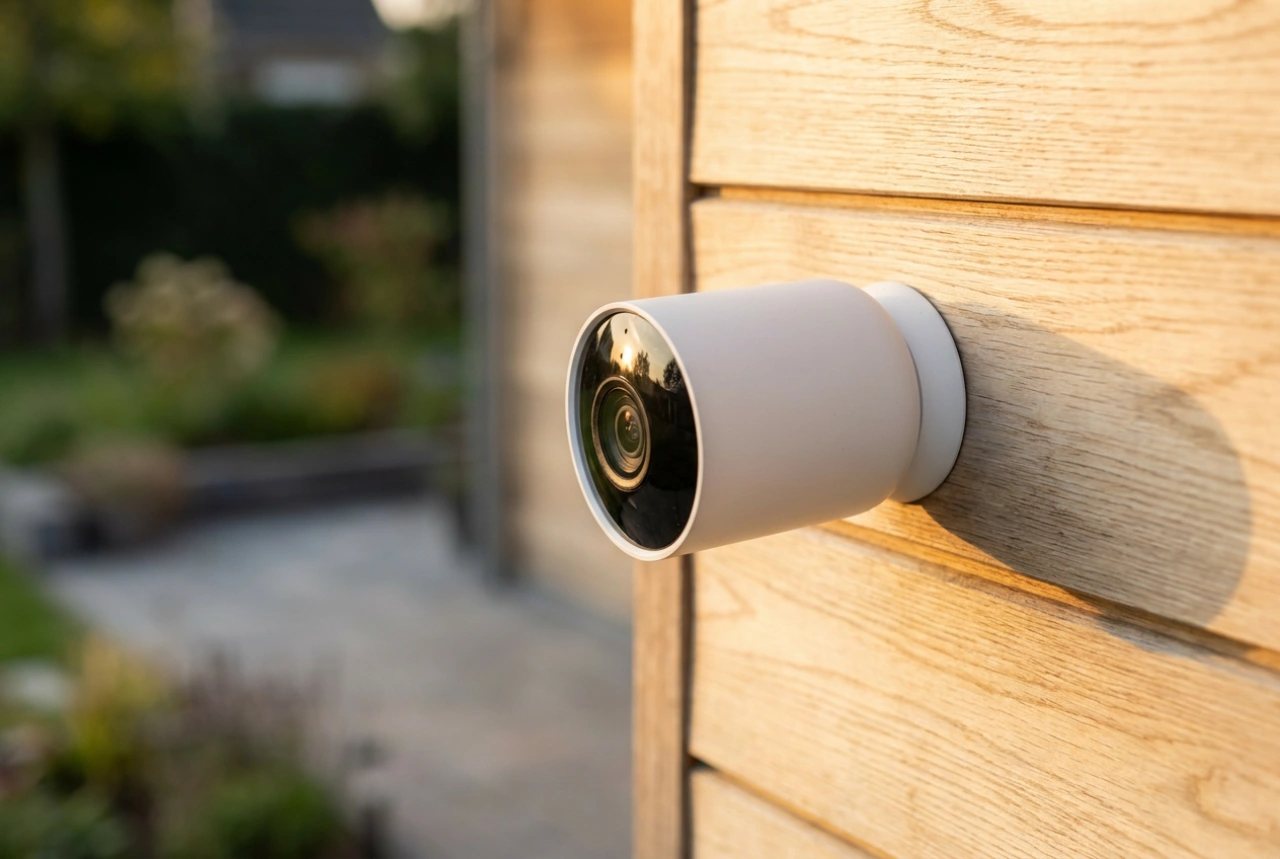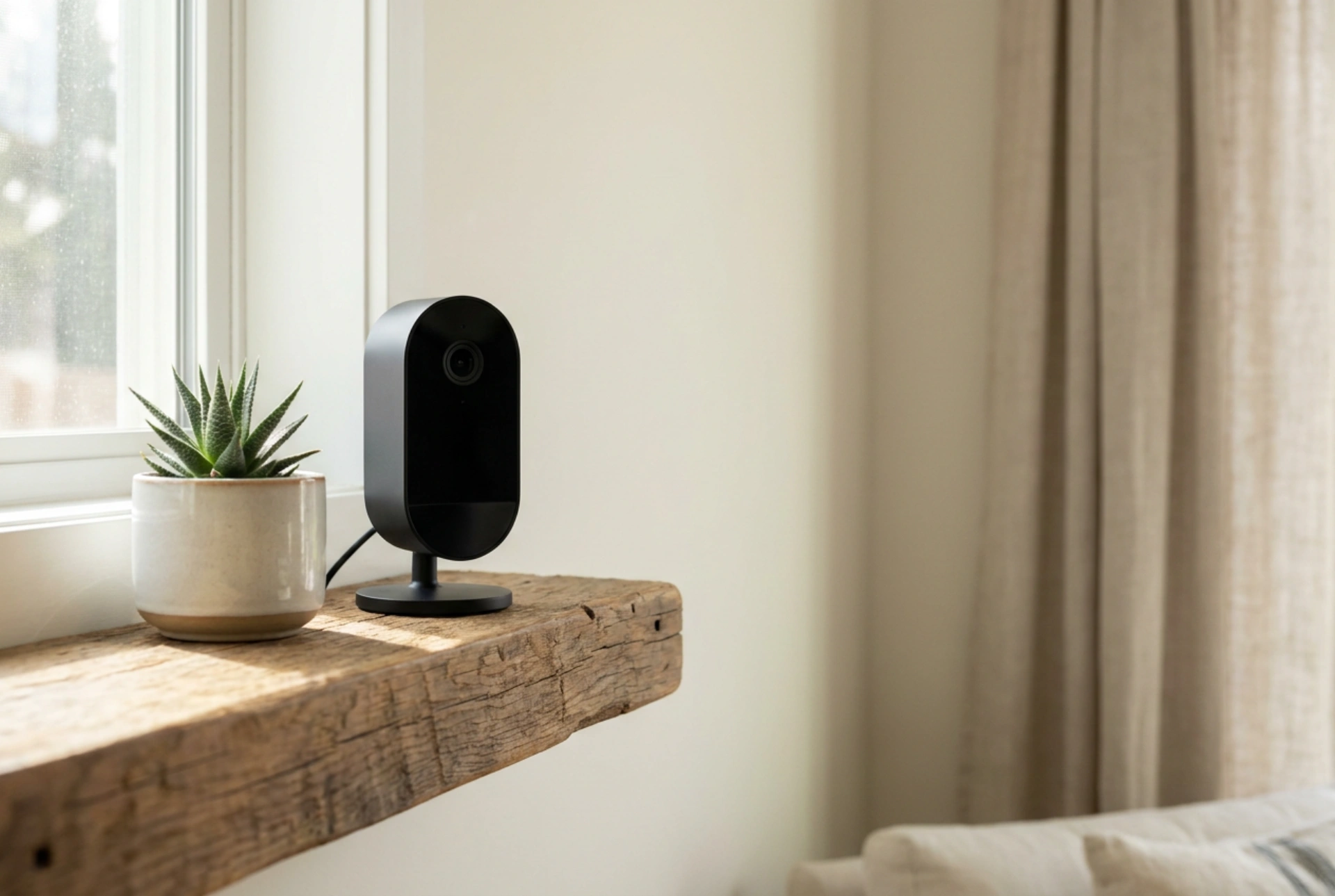


Establishing reliable property surveillance in remote locations, outbuildings, or properties undergoing renovation is often hindered by the absence of a fixed Wi-Fi network.
The mechanics of cellular security cameras
Cellular security cameras bypass the need for a local router by communicating directly with mobile networks. Inside these devices, a cellular module operates similarly to a smartphone, using a Subscriber Identity Module (SIM) card to authenticate with local cell towers. This allows the camera to transmit video data, send motion alerts, and receive configuration commands over 3G, 4G LTE, or 5G bands. Because these cameras rely on cellular networks, their placement is governed by signal propagation rather than the limited range of a home Wi-Fi router. Understanding the physics of radio frequency (RF) signals is crucial when positioning these devices. High-frequency signals struggle to penetrate dense obstacles like concrete walls, wet foliage, or metal cladding. Therefore, mounting the camera in a location with a clear line of sight to the nearest cellular tower significantly improves bandwidth and reduces latency during live-view transmissions.
Optimizing power management and consumption
Without a local power grid or continuous Wi-Fi connection, energy efficiency becomes a critical engineering challenge. Cellular cameras often operate on rechargeable lithium-ion batteries, sometimes augmented by small solar panels. To conserve power, these devices do not stream continuously. Instead, they remain in a low-power sleep state, waking up only when triggered by a passive infrared (PIR) sensor. PIR sensors detect changes in thermal radiation within their field of view. When a warm body moves across the sensor's zones, the sudden change in infrared energy triggers the camera to boot up, begin recording to an internal micro-SD card, and initiate a cellular connection to push a notification to your device. To optimize battery life, position the camera to minimize false triggers. Avoid pointing the sensor directly at asphalt roads, metal roofs, or large bodies of water, as these surfaces absorb and reflect heat, causing thermal fluctuations that wake the camera unnecessarily.
Selecting the right SIM card and managing data usage
The performance of a cellular camera depends heavily on the chosen SIM card and associated data plan. There are two primary options: multi-network roaming SIMs and single-operator SIMs. Multi-network SIMs are highly recommended for remote locations because they automatically switch to the strongest available carrier network in the area. When estimating data consumption, consider the resolution and compression algorithms used by the camera. Most modern cameras use H.264 or H.265 video compression. H.265 (High Efficiency Video Coding) is highly efficient, reducing file sizes by up to 50% compared to H.264 without sacrificing quality. This directly translates to lower data consumption over the cellular network. If you only stream video during motion-triggered events, a standard data plan of 1 to 2 gigabytes per month is usually sufficient. However, continuous remote live-viewing or high-resolution cloud backups will quickly deplete this allowance, requiring a larger data package.
Critical installation and positioning techniques
Proper physical installation prevents both signal loss and mechanical tampering. Start by conducting a cellular signal audit at the intended mounting site using a smartphone connected to the same network provider. Check the upload speed, as video streaming requires a stable upload pathway of at least 1.5 to 2 Mbps. When mounting the camera, ensure the cellular antenna is oriented vertically. Antenna polarization matters; matching the vertical polarization of cell towers maximizes signal reception. If the camera is installed inside a metal shed or a building with thick masonry, consider using an external high-gain antenna. By running a low-loss coaxial cable from the camera through a small drill hole to an externally mounted antenna, you can bypass structural signal dampening and ensure a robust connection to the mobile network.